
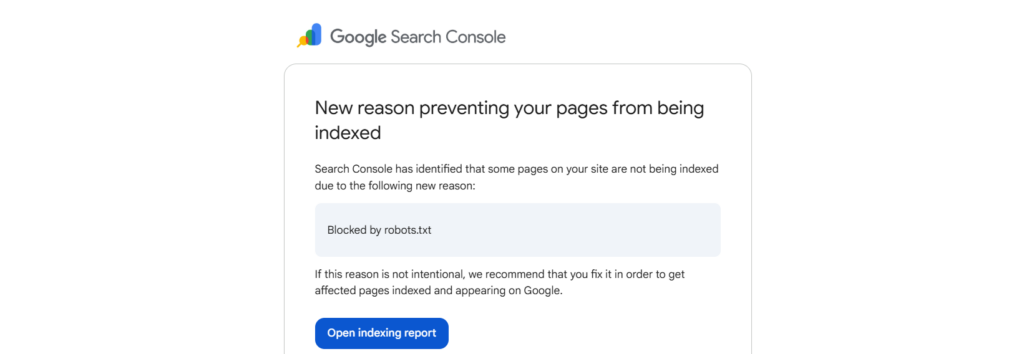
If you manage websites for clients or your own brand, you’ll eventually get an email from Google Search Console telling you that pages are being blocked by robots.txt. It sounds scary, but most of the time it’s completely normal. This guide walks you through how to check what’s going on, when to fix it, and when to leave it alone.
Don’t panic, check which pages are affected
Log into Google Search Console and select the property (site) mentioned in the email.
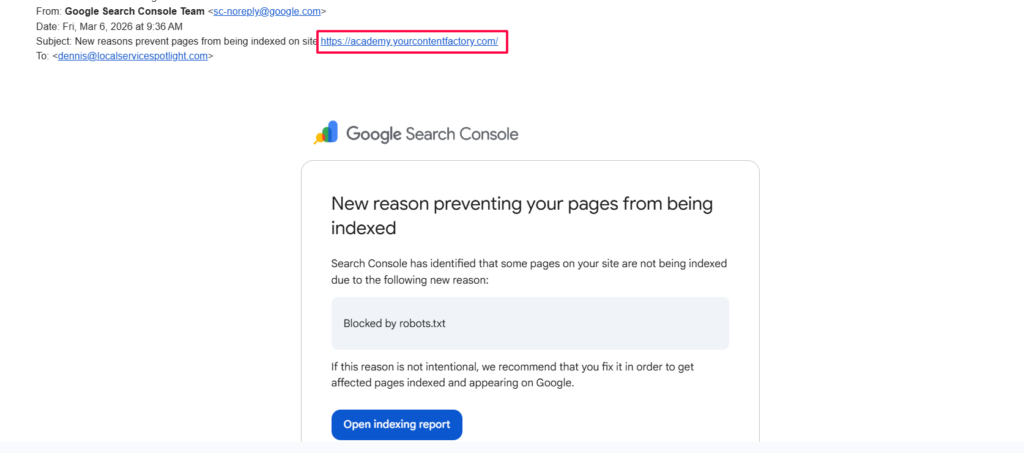
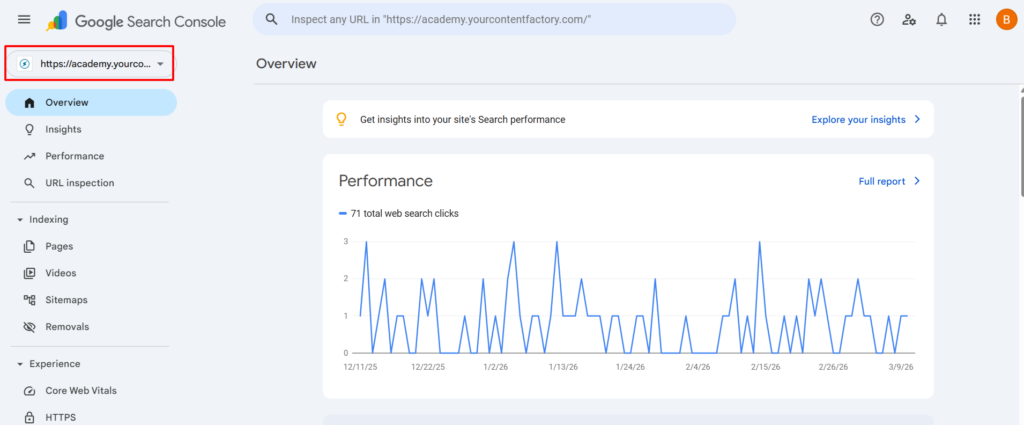
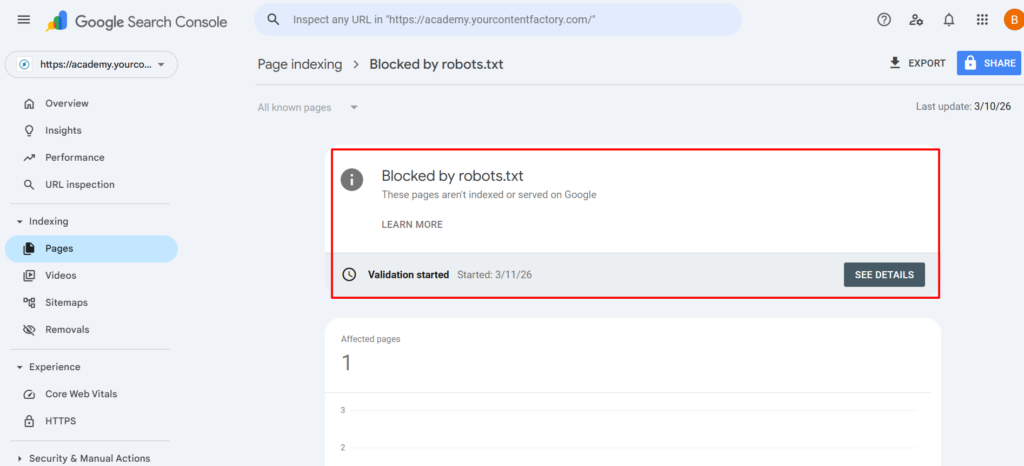
Navigate to Indexing > Pages, then click on “Blocked by robots.txt”.
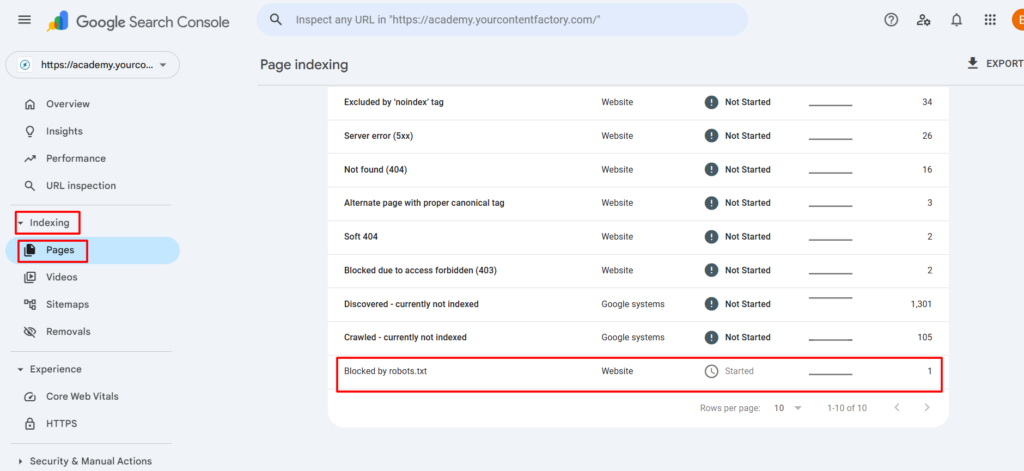
Scroll down to the Examples section to see the actual URLs that are affected.
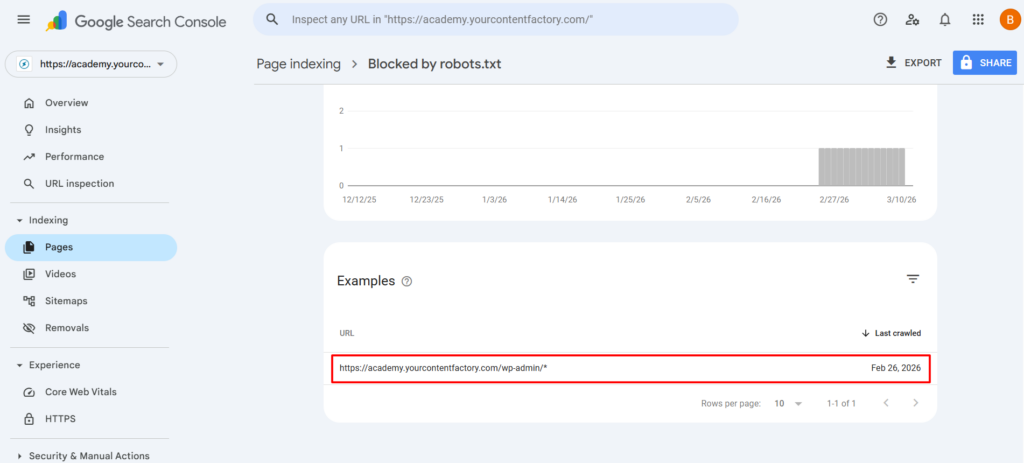
The key question is: is this a page the public needs to see?
| URL Pattern | Should it be blocked? |
|---|---|
| /wp-admin/ | Yes, this is the WordPress backend, not meant for public. |
| /wp-login.php | Yes, login page, security risk if indexed. |
| /cart/, /checkout/ | Usually yes, transactional pages aren’t useful in search. |
| /blog/your-article-title | No, this should be indexed, fix it. |
| /courses/your-course-name | No, public content should be findable. |
Review your robots.txt file
Visit https://yourdomain.com/robots.txt in your browser. You’ll see rules that look something like this:
User-agent: *
Disallow: /wp-admin/
Allow: /wp-admin/admin-ajax.php
Every rule should have a clear reason behind it. If you can’t explain why a rule exists, that’s worth investigating.

If a public page is blocked, fix it
Edit your robots.txt file, which is usually in your site’s root directory or managed by an SEO plugin like Yoast or Rank Math. Remove or modify the rule that’s blocking the public page.
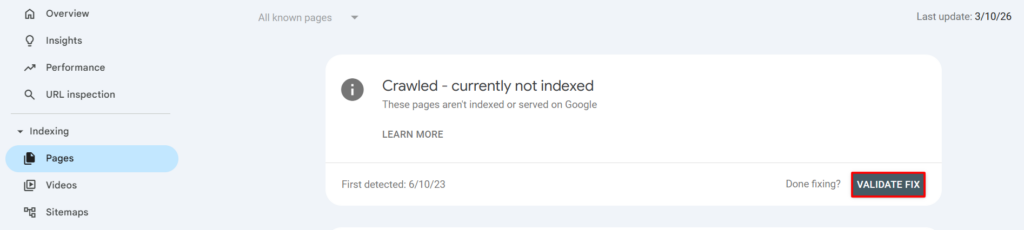
Then go back to Google Search Console under Indexing > Pages > Blocked by robots.txt and click Validate Fix so Google rechecks the page.
If only backend pages are blocked, you’re fine
If the only affected URLs are admin or backend pages like /wp-admin/ or /wp-login.php, no action is needed. This is correct behavior and your robots.txt is doing exactly what it should. You can click Validate Fix to clear the notification, or simply ignore it.
Run the discoverability litmus test
After resolving the alert, verify your public content is actually findable.
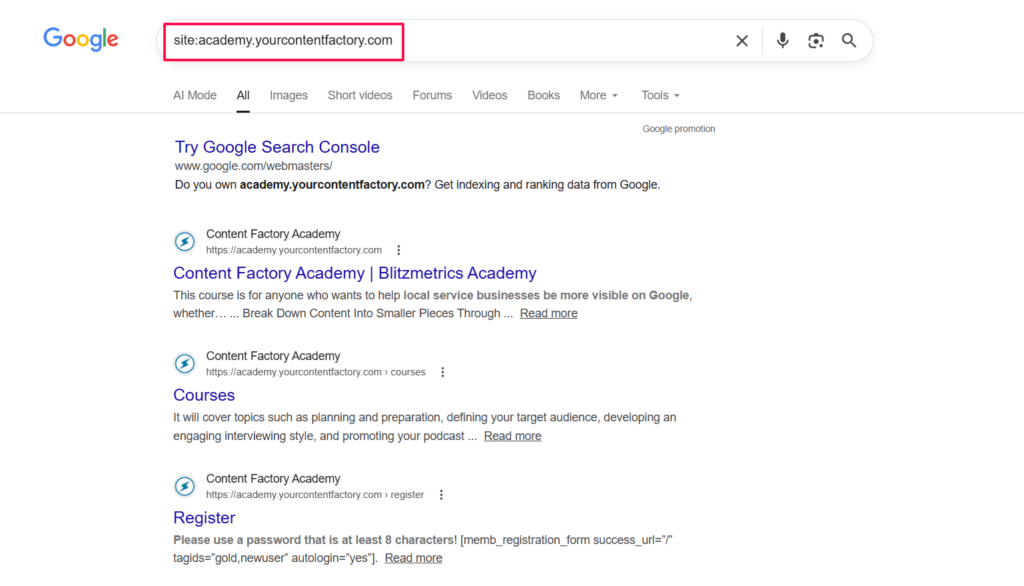
Search site:yourdomain.com on Google and check whether your important pages are showing up.
Try asking ChatGPT to find information from your site to see if it can locate your content.
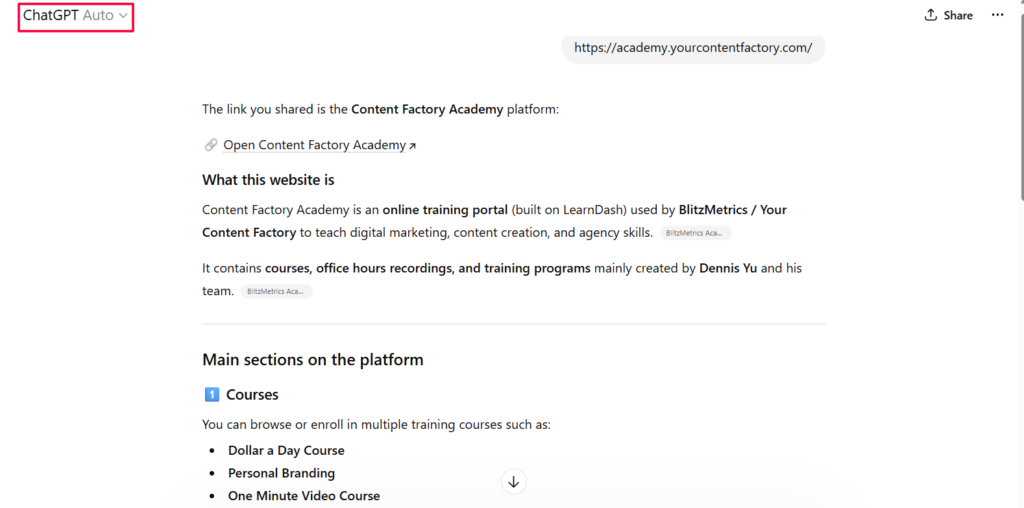
You can also use the URL Inspection tool in Search Console to check specific pages directly.
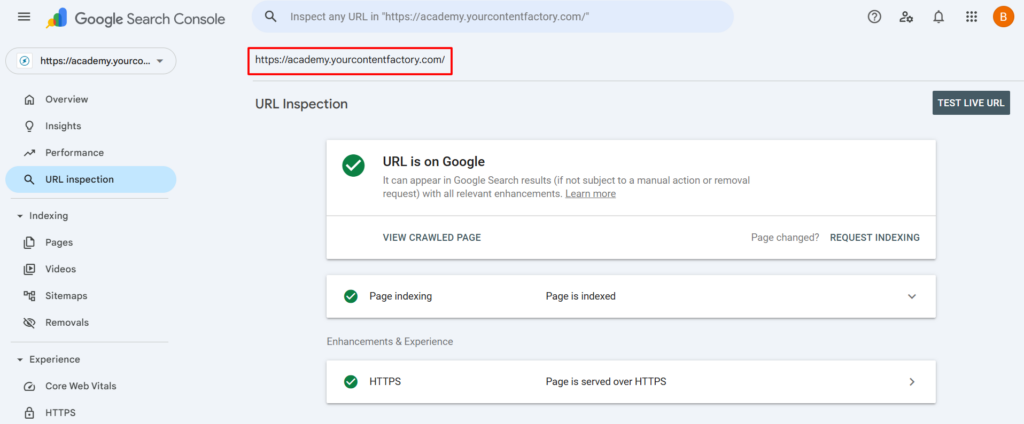
If public pages are missing from results, dig deeper into your indexing settings.
Quick decision flowchart
GSC Alert: "Blocked by robots.txt"
         │
         ▼
  Check affected URLs
         │
    ┌────┴────┐
    ▼         ▼
 Backend    Public
 page?      page?
    │         │
    ▼         ▼
 No action   Fix robots.txt
 needed      & validate