
When we build a personal brand site for our clients, friends, or partners, we set up Google Analytics automatically.
Our agents do this for every website we touch. But you need to be able to see your own data.
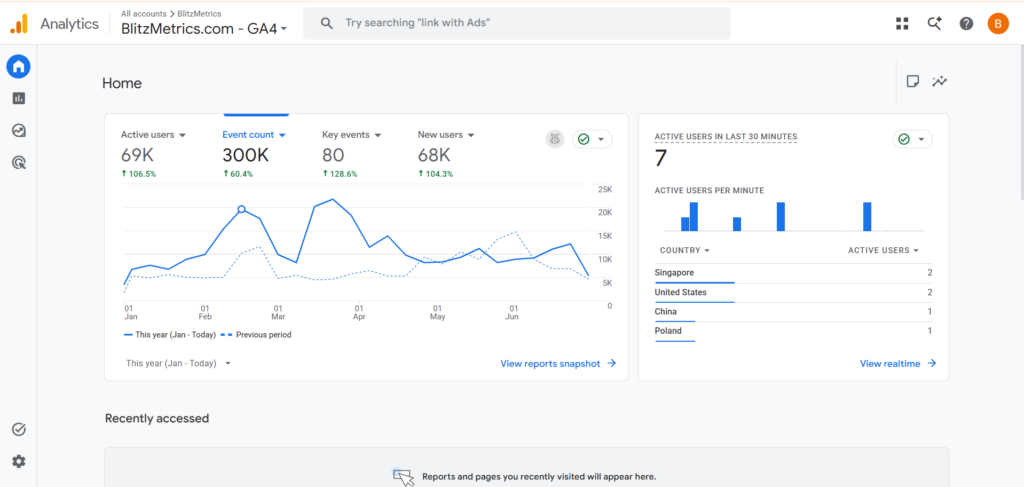
Google Analytics shows you who’s visiting your site, where they’re coming from, and what pages they’re looking at. If you’re running ads on Instagram or Facebook, you need to see if anyone actually clicked through to your site.
Without access, you’re spending money with no way to measure results. That’s like a swim coach who never looks at the clock.
You should have admin access to your own Google Analytics. It’s your website, your data.
You need a Gmail address
Google Analytics requires a Google account. iCloud, Yahoo, Outlook won’t work.
If you don’t have one, create it at accounts.google.com. Takes 2 minutes.
How to request access
Email operations@localservicespotlight.com with your name, your website URL, and your Gmail address.
We’ll grant access within 24 hours.
How to log in
Once we confirm access, go to analytics.google.com and sign in with your Gmail.
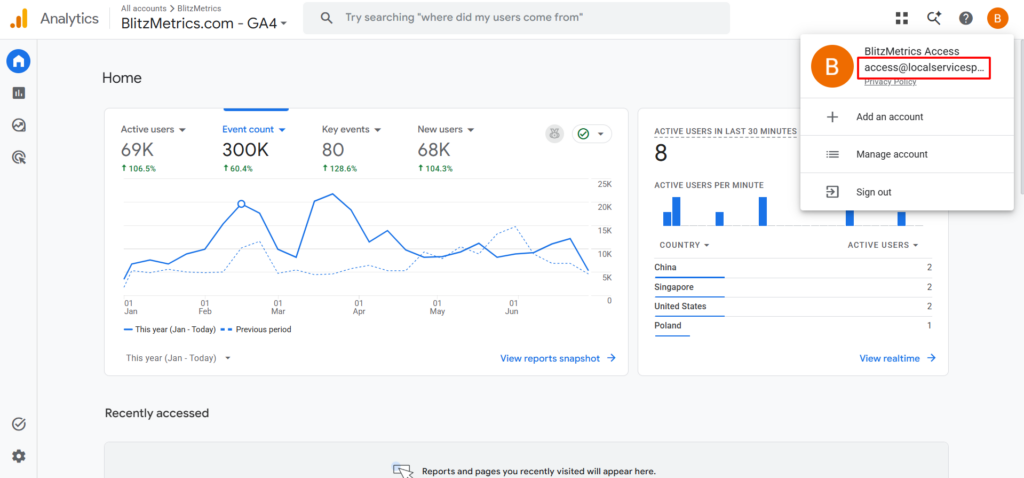
Click the dropdown in the top-left corner, select your website, and bookmark it.
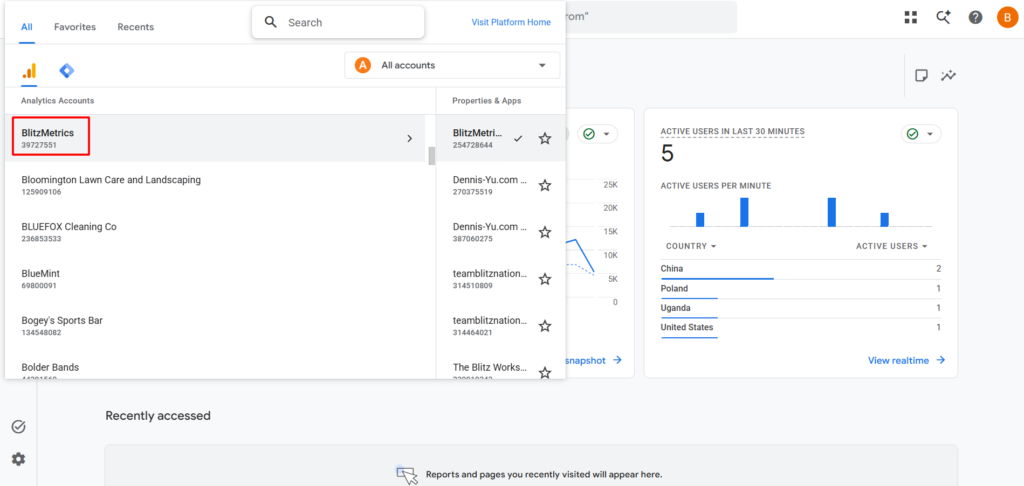
Done. Now you can check your traffic anytime without asking us.
If something looks wrong
You see “Start measuring.” You’re signed into the wrong Google account. Click your profile picture in the top-right, switch to the Gmail you gave us, and try again.
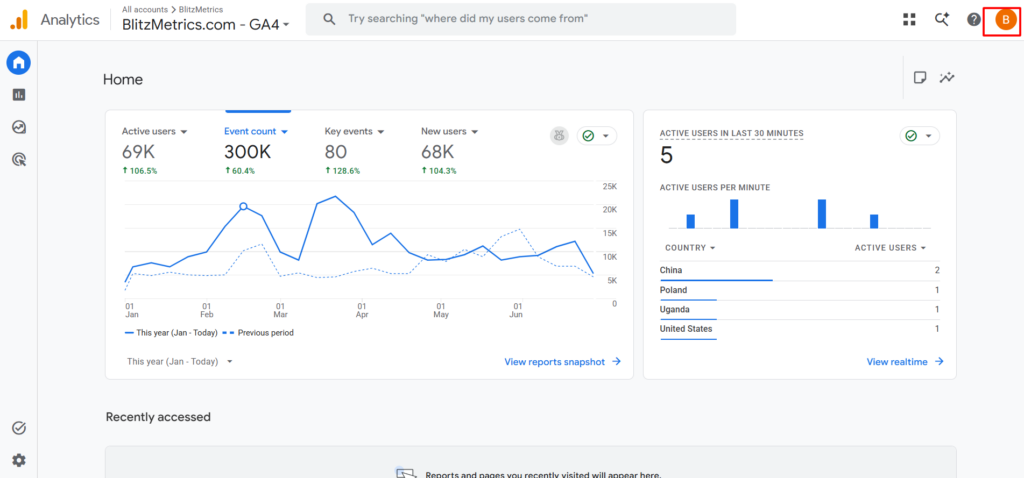
You don’t see your website. Access hasn’t been granted yet. Email us again at operations@localservicespotlight.com.
Still stuck? Send us a screenshot of what you see. We’ll sort it out.
The goal is for you to own your marketing, not depend on us for every login. That’s how you build a real personal brand.
Originally published .