
Whether you’re on our team, an agency owner I advise, or someone we record with regularly, you may get access to our Zoom Enterprise account so your recordings look professional and we can repurpose them.
How to request access
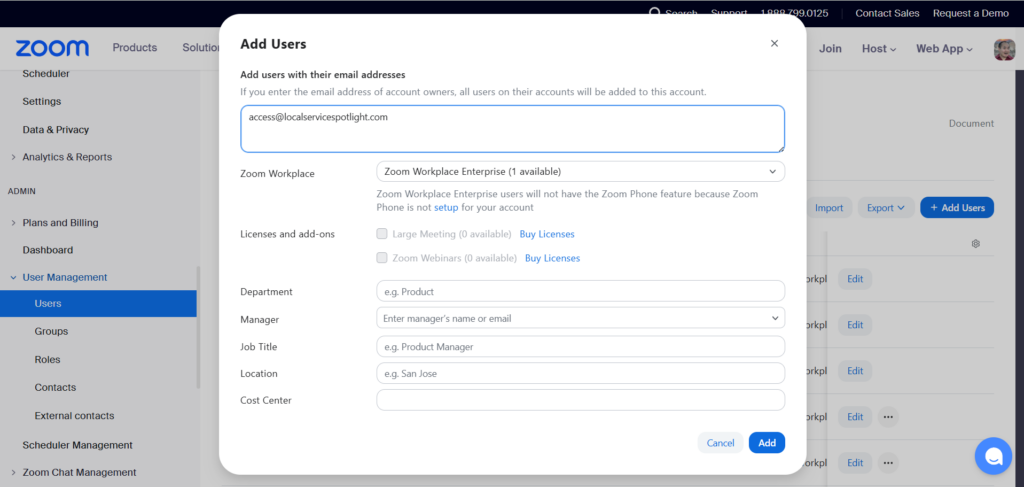
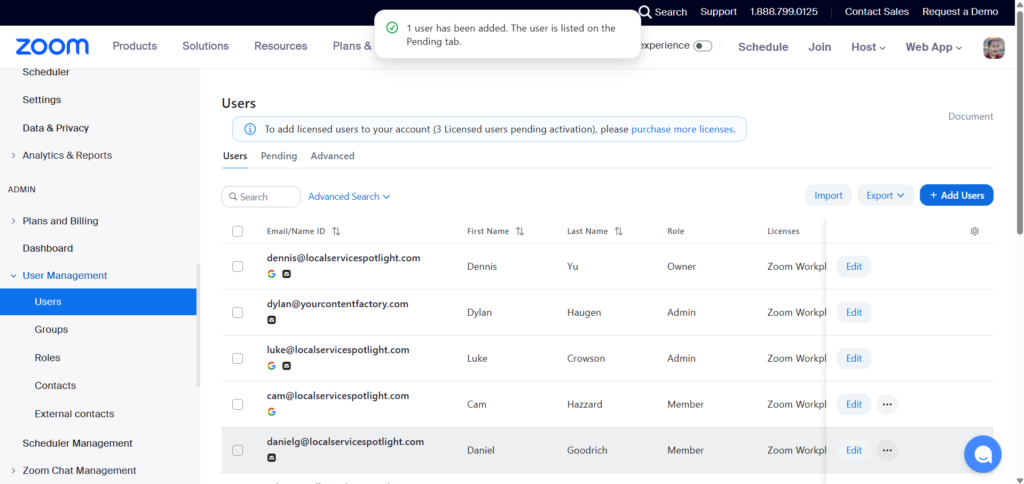
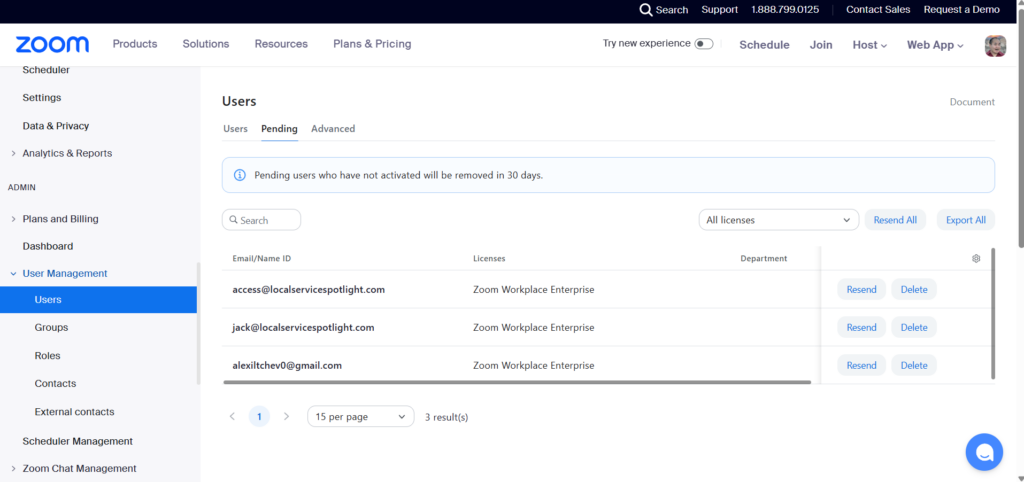
Email operations@localservicespotlight.com. Our Operations team will add you and send you an invitation, usually within a few hours.
Accepting the invitation
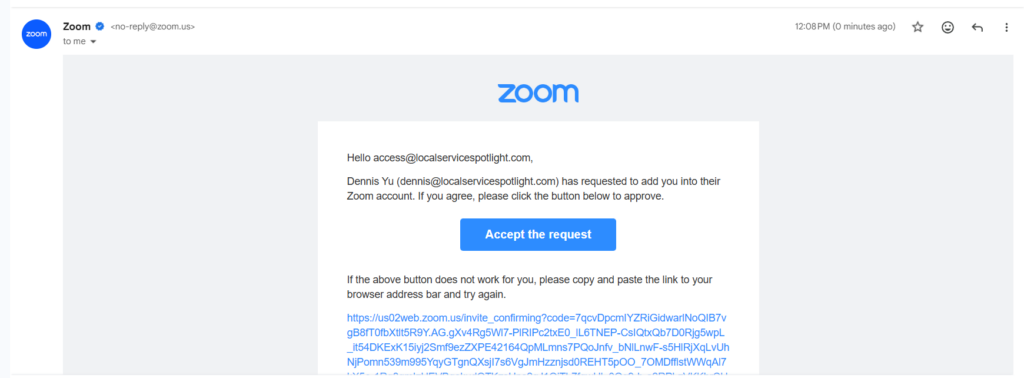
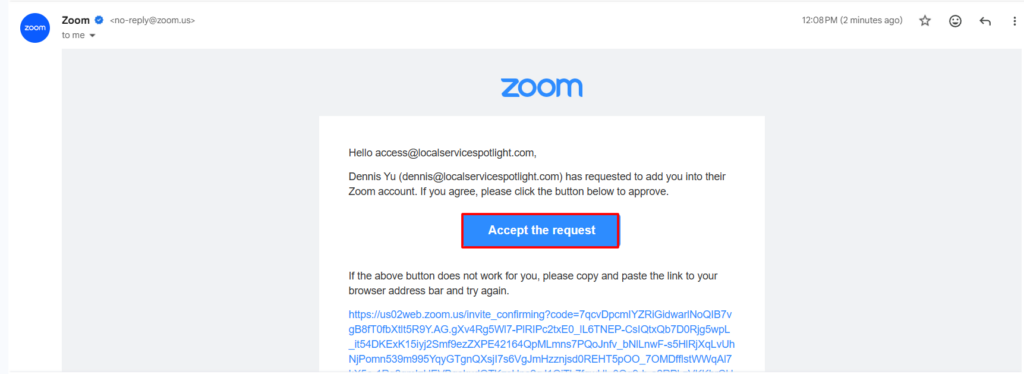
Once your seat is added, you’ll get an email from Zoom (no-reply@zoom.us) with the subject line “Zoom account invitation.”
Open it and click the “Accept the request” button.
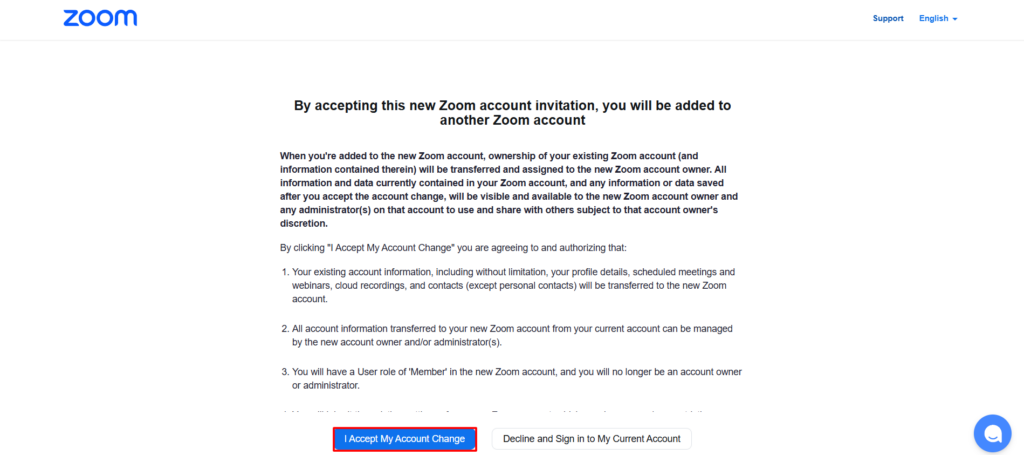
You’ll be taken to a page that explains what happens when you join the enterprise account. Read through the details, then click “I Accept My Account Change” at the bottom.
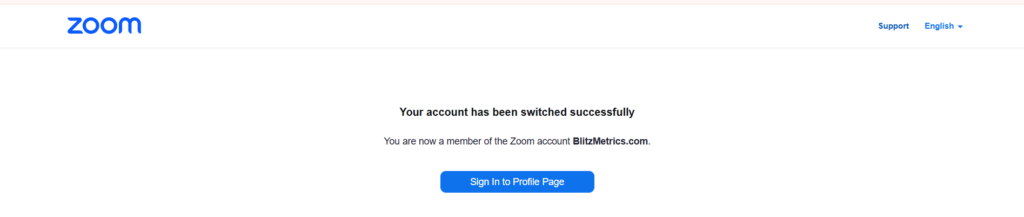
You’ll see a confirmation message on screen that says “Your account has been switched successfully.”
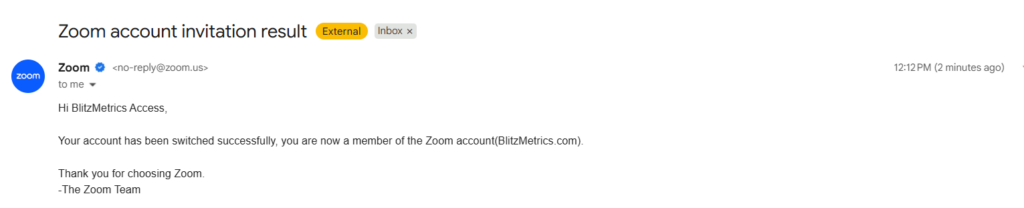
You’ll also receive a confirmation email from Zoom with the subject line “Zoom account invitation result” confirming you are now a member of the BlitzMetrics.com Zoom account.
That’s it, you’re in.
Learn the Meetings Checklist
Before you jump on your first call, go through the Meetings Checklist course.
It walks you through what to do before, during, and after every meeting so you set yourself up for success.
Need help?
Email operations@localservicespotlight.com and the team will get you sorted.
Originally published .