
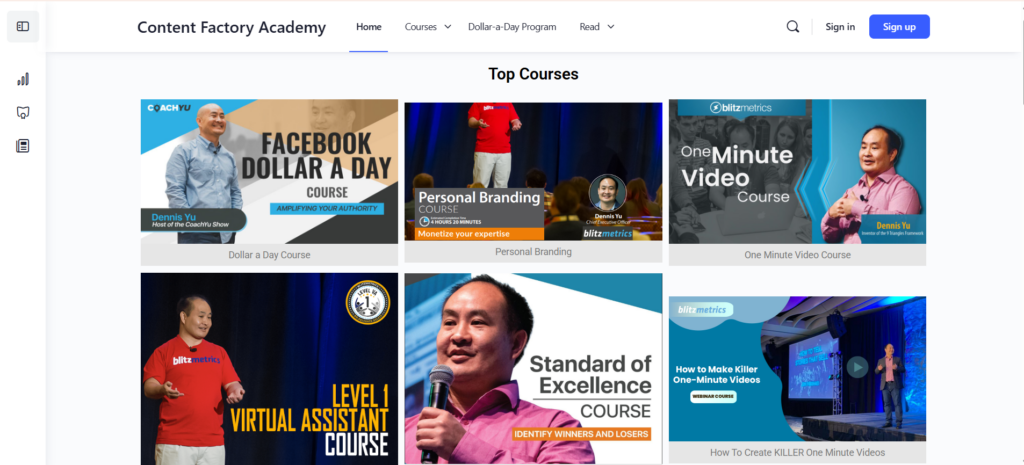
We have over 150 courses in the Content Factory Academy, teaching digital marketing, MAA, and how to run agencies serving local service businesses.
The Academy runs on WordPress with LearnDash and BuddyBoss. Solid stack, works great, until one day students started telling us they never got their login emails.
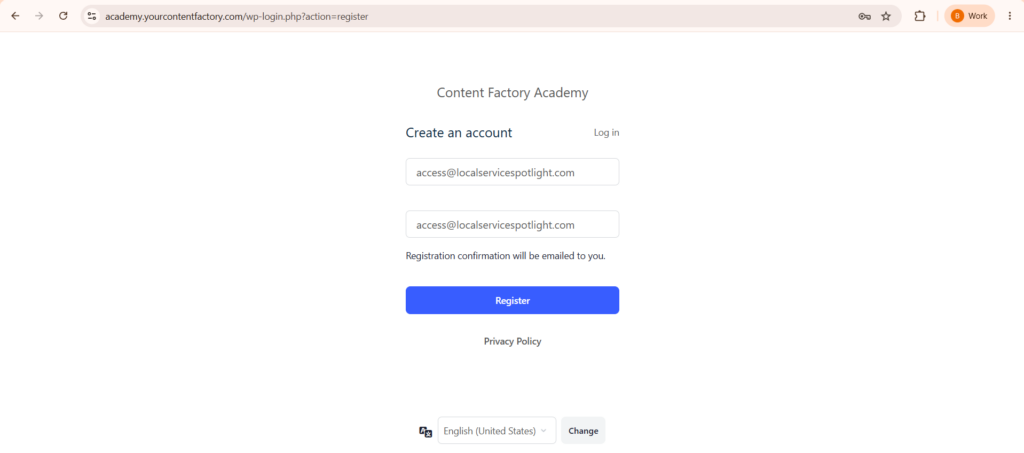
New students would register, see the “check your email” message, and nothing would arrive.
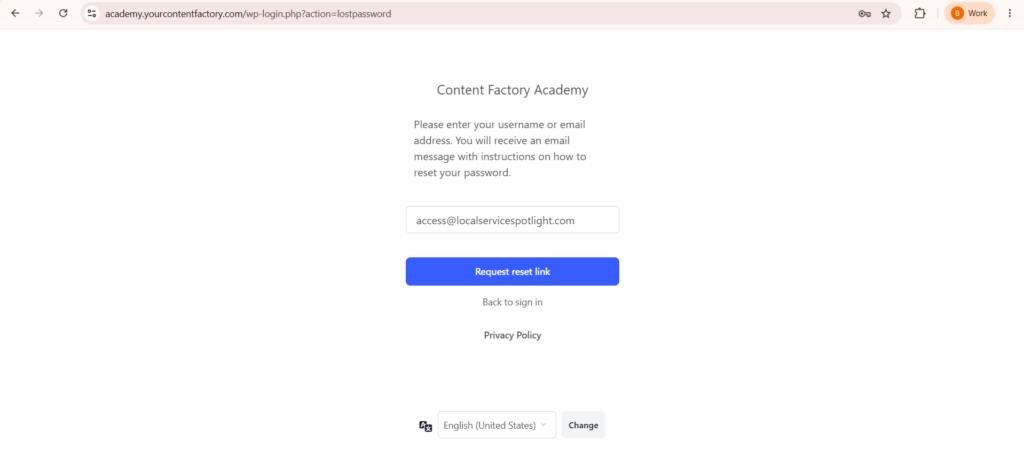
People clicking “Forgot Password” got the same thing. The website showed no errors, so we had no idea anything was wrong until people reached out to us.
WordPress doesn’t tell you when emails fail. It just quietly drops them. You won’t know until your users start complaining.
Here’s how to find out if you have this problem and how to fix it in about five minutes.
Check your email log first
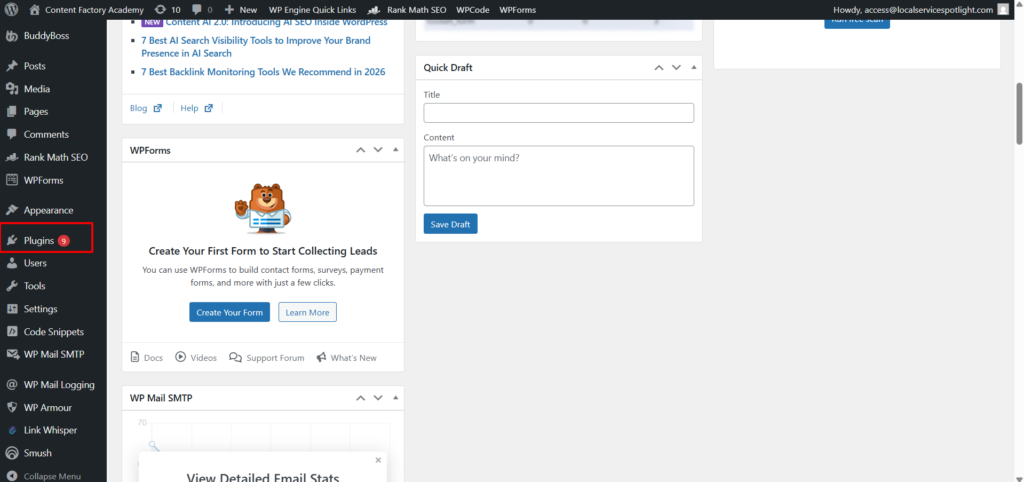
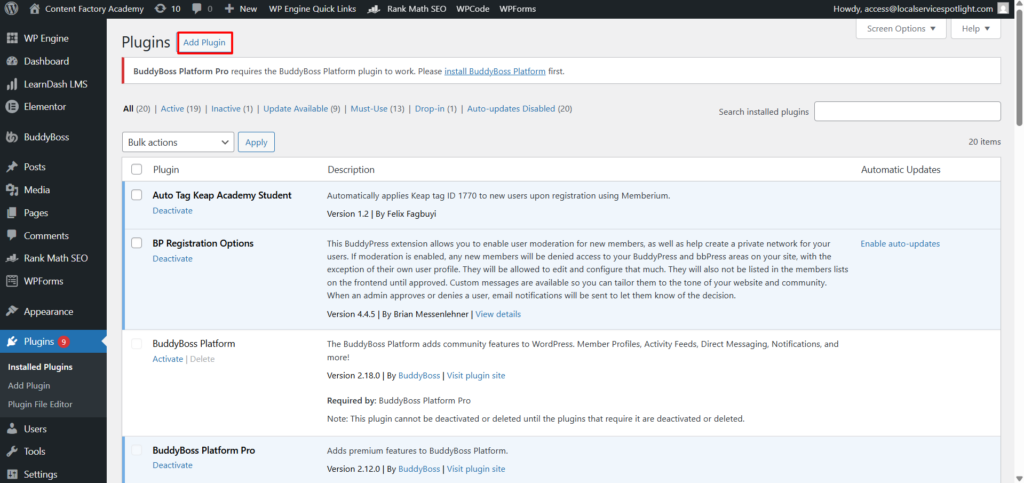
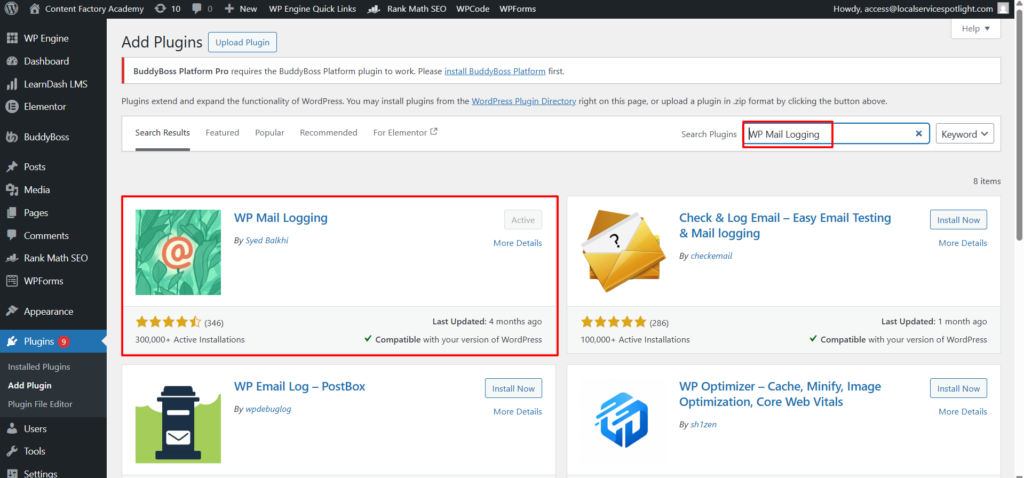
If you don’t have WP Mail Logging installed, go install it right now. Plugins, Add New, search for it, activate. It’s free and it records every email your site tries to send.
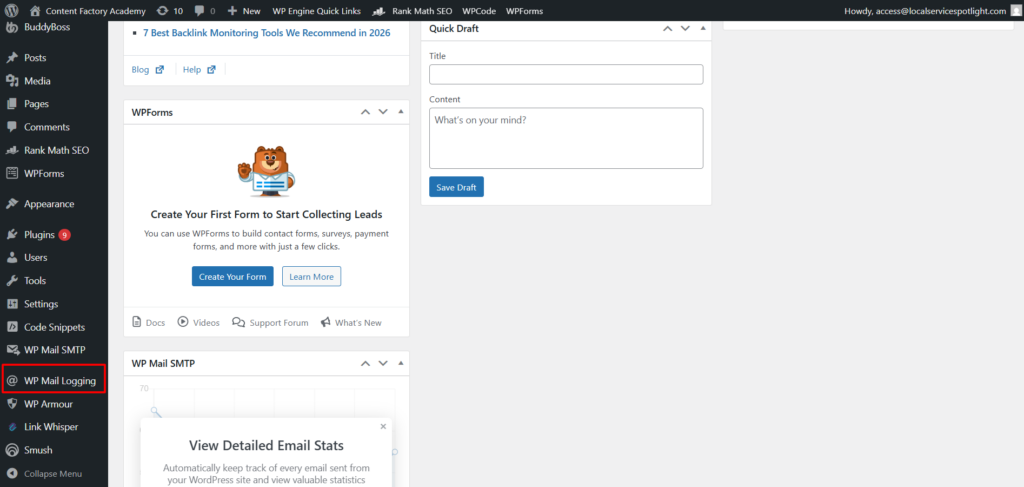
Once it’s active, open the log. If you see a bunch of red errors, you’ve got a problem.
In our case, we found over 7,000 failed emails. Every single one had the same error message: “invalid_grant: Bad Request.”
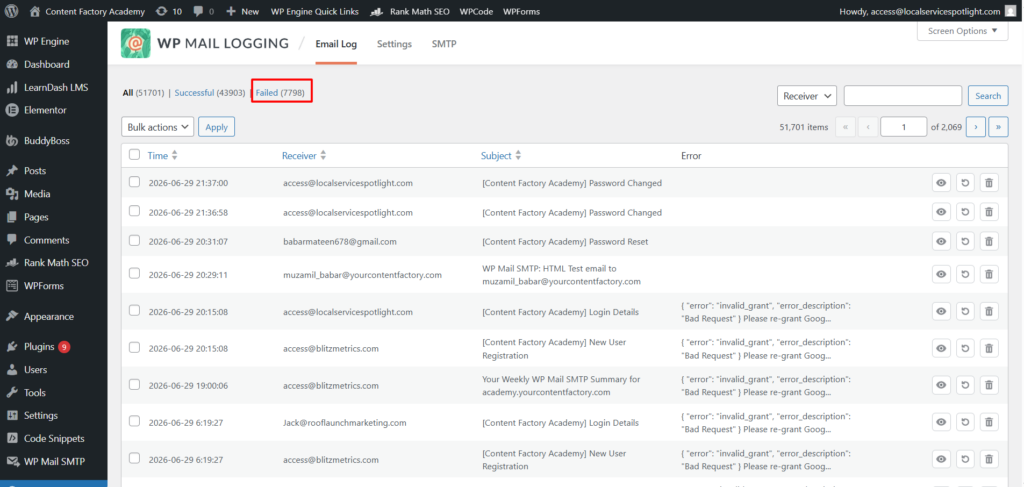
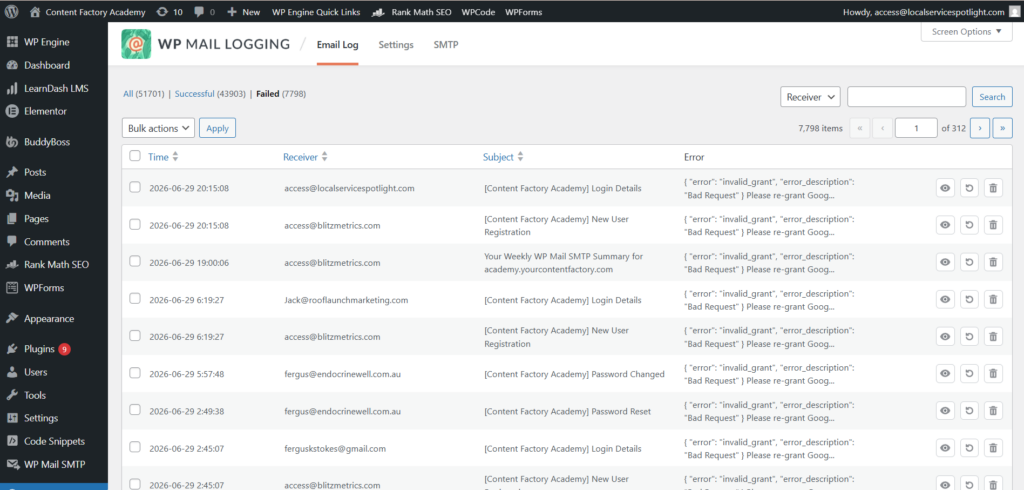
That told us exactly what happened. Our site uses WP Mail SMTP to send emails through Google Workspace. The connection between WordPress and Google had broken, so every registration email, every password reset, every notification was getting rejected by Google without anyone knowing.
What causes the Google connection to break?
If your Google app is still in “Testing” mode inside the Google Cloud Console, Google automatically disconnects it every 7 days. Google wants you to publish your app to Production mode before relying on it.
The connection can also break if the account password changed or if Google revoked permissions for security reasons.
Here’s the fix
Go to WP Mail SMTP, then Settings.
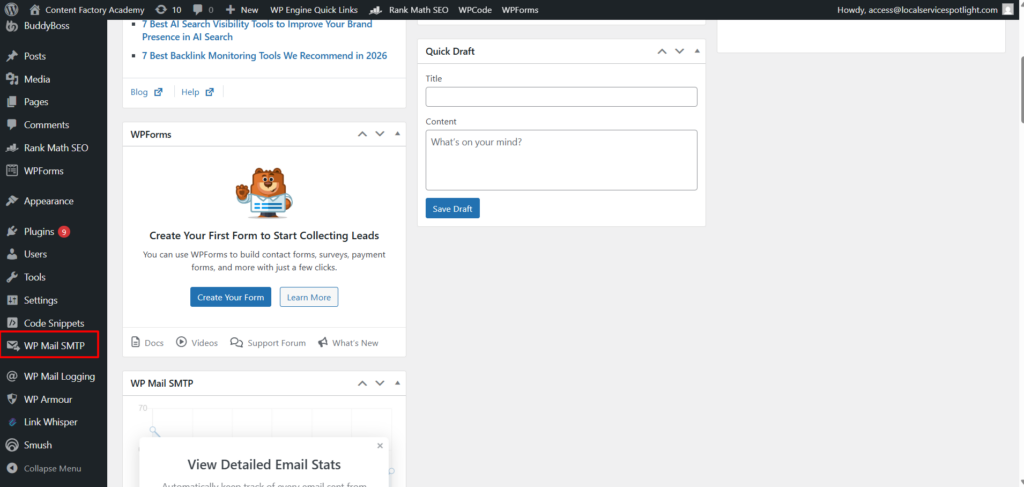
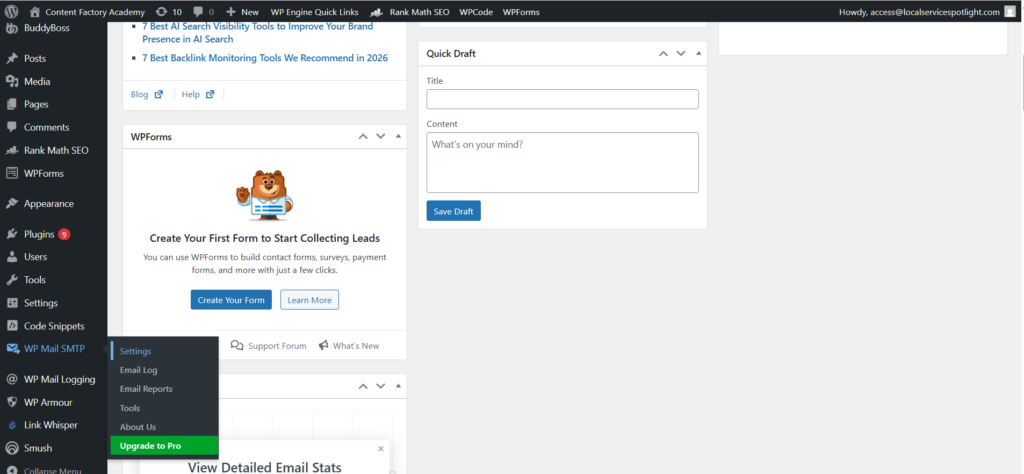
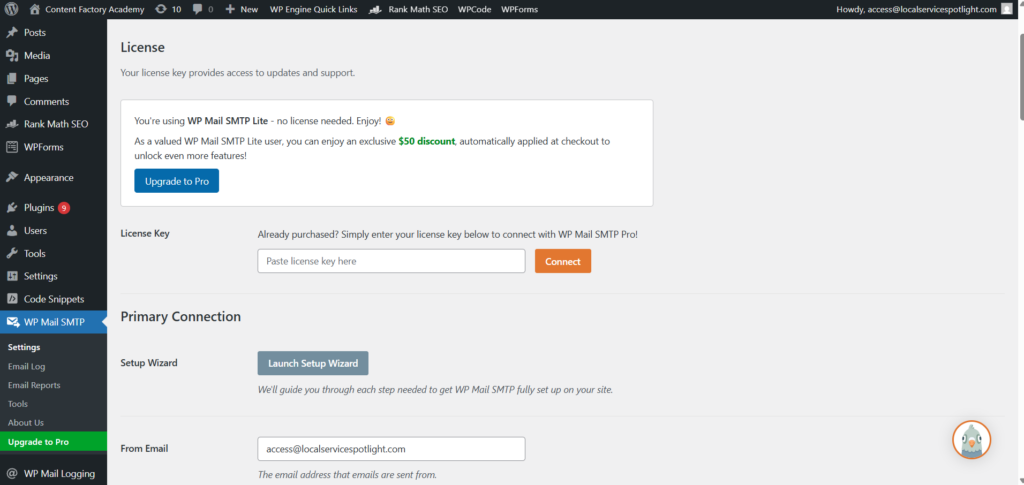
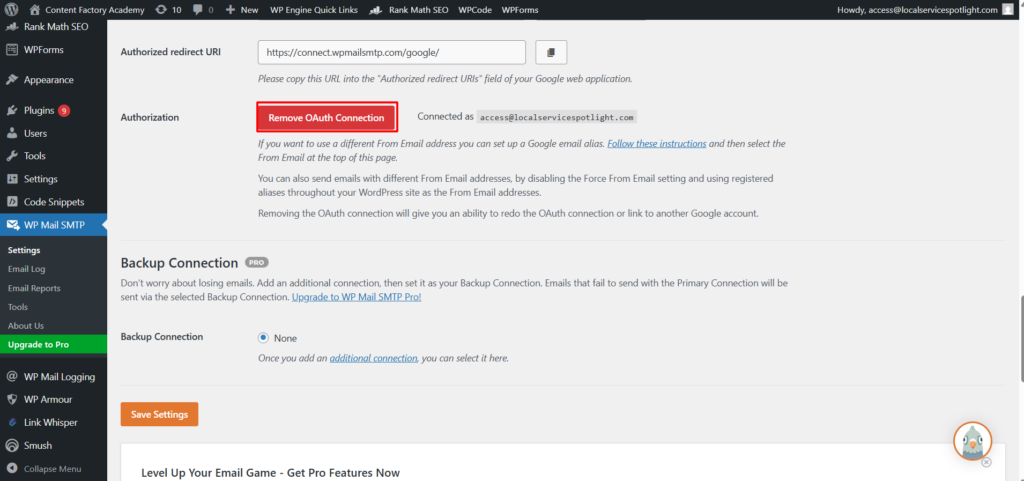
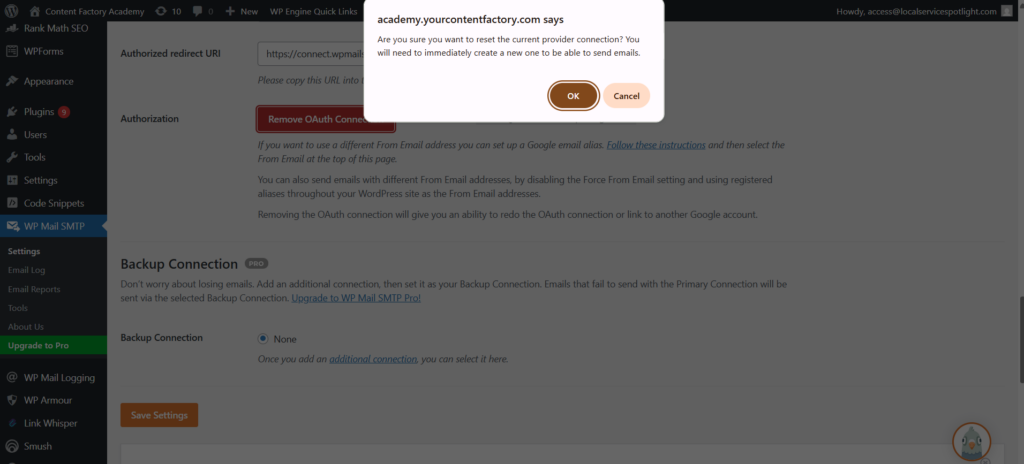
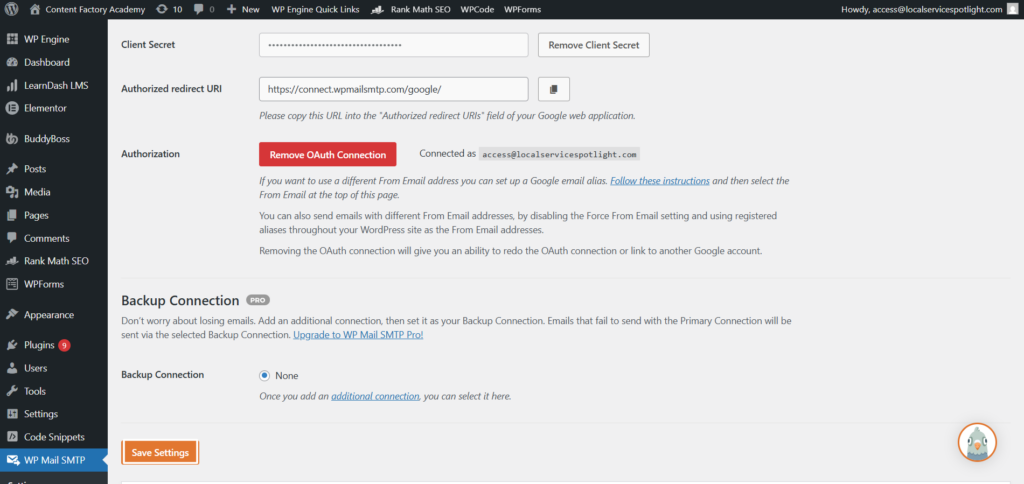
Scroll down to Authorization and click “Remove OAuth Connection.” This disconnects the broken link.
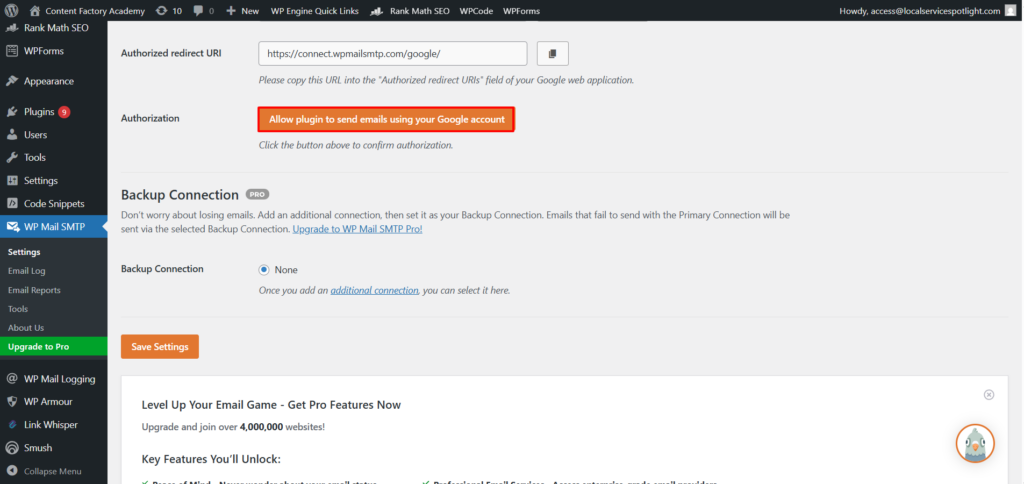
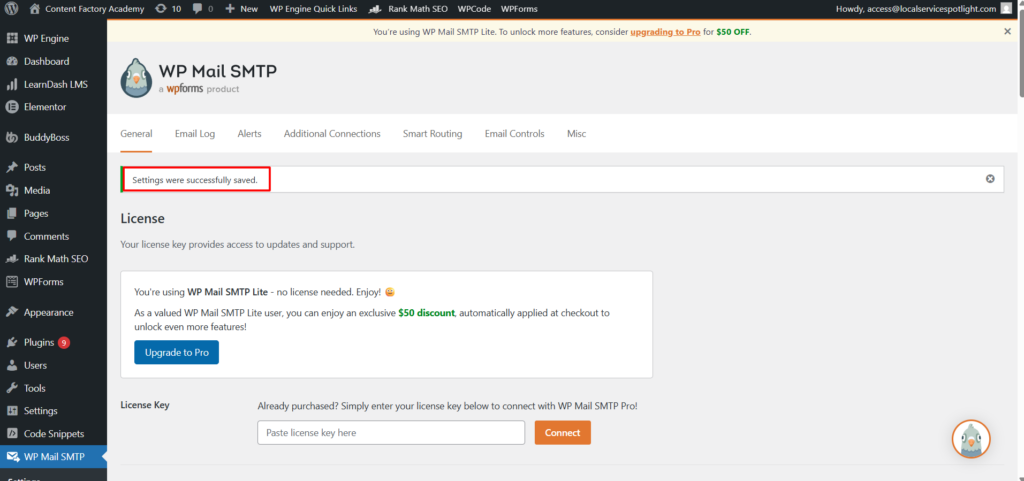
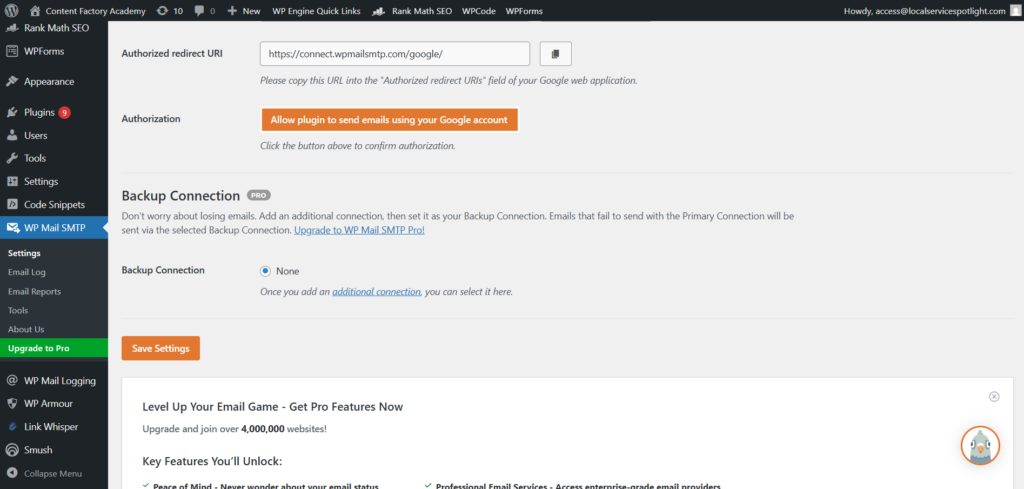
Now click “Allow plugin to send emails using your Google account.”
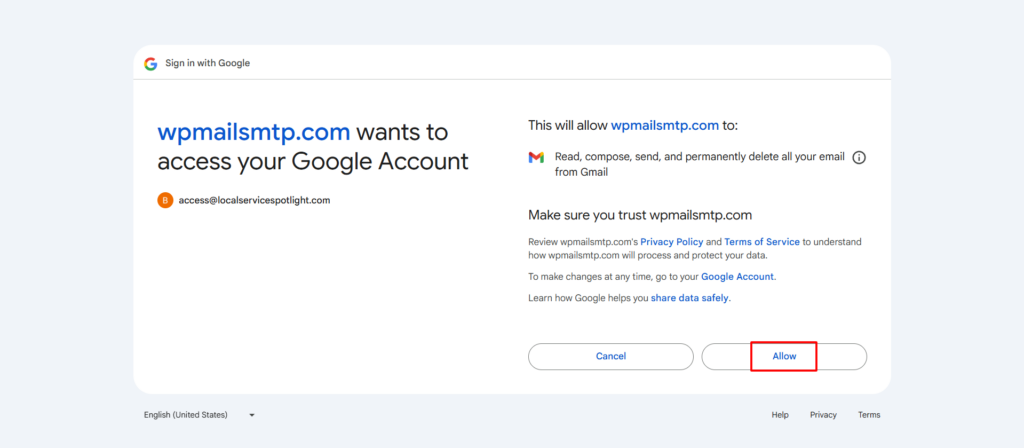
Google will pop up a sign-in window.
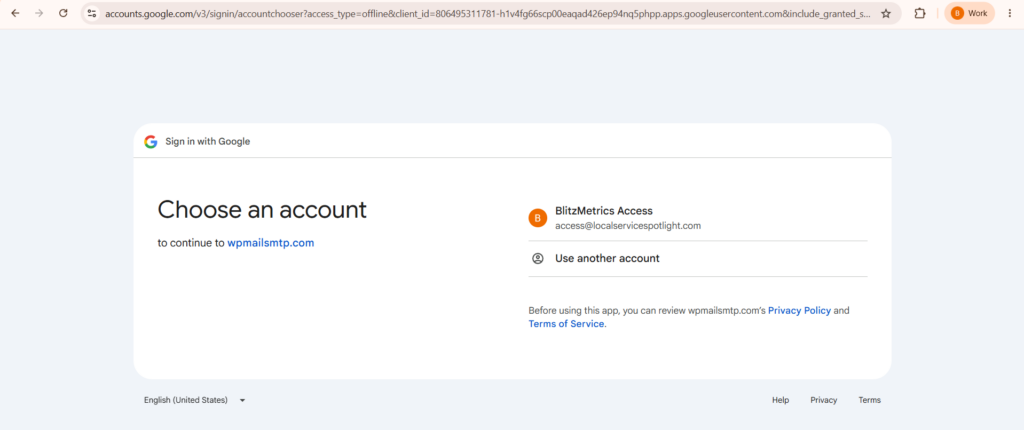
Log into the Google Workspace account your site sends from.
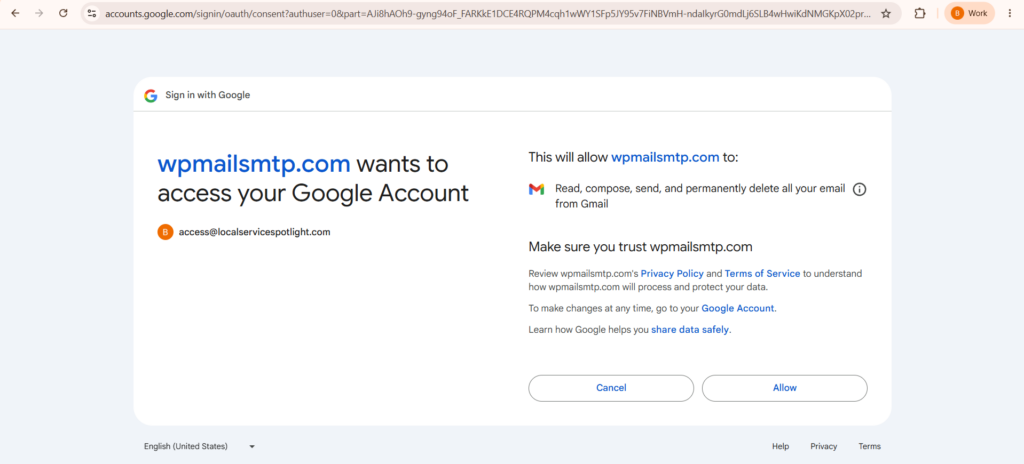
Click Allow.
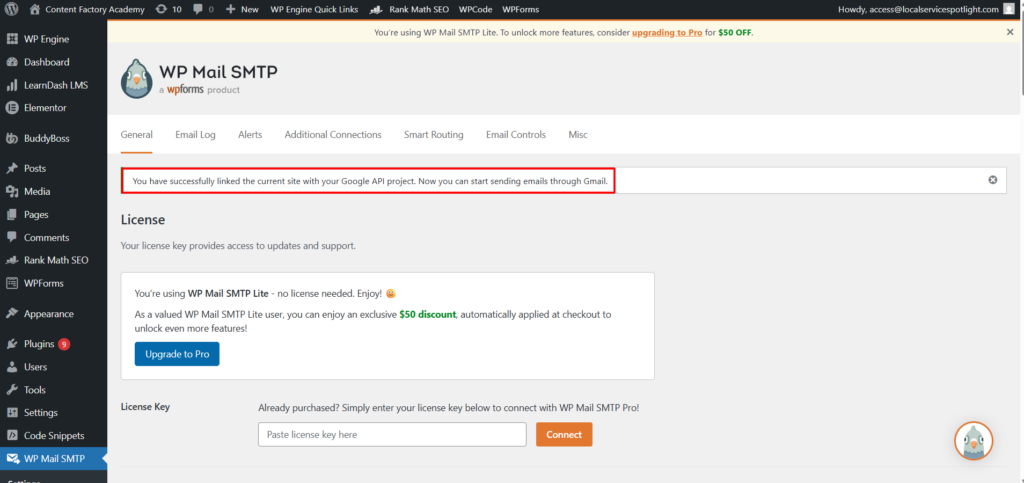
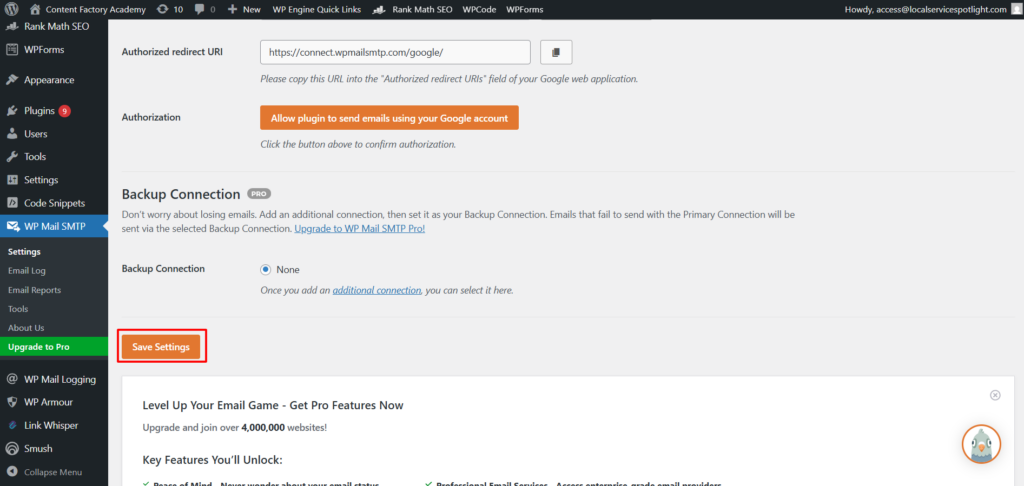
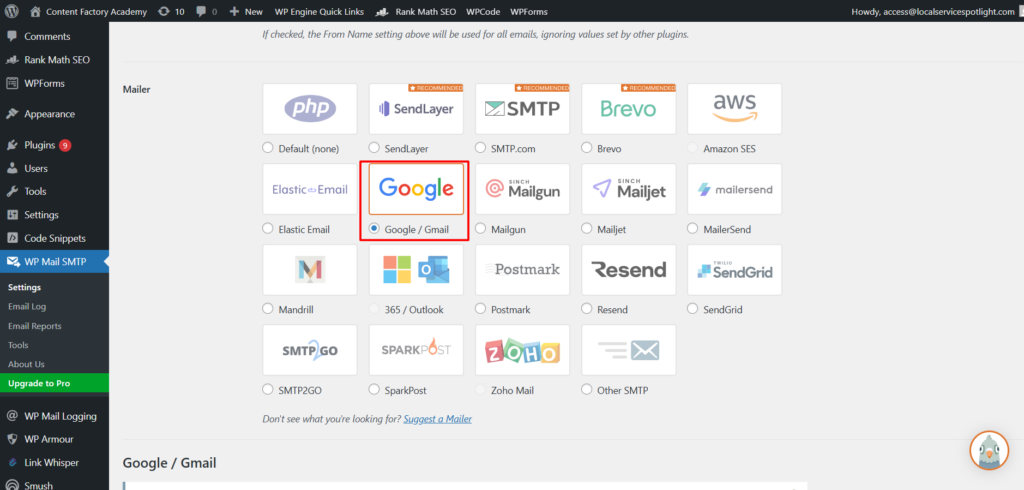
Go back up to the Mailer section. Make sure Google/Gmail is selected, not “Default (none).” If it reverted, select Google/Gmail. Click Save Settings.
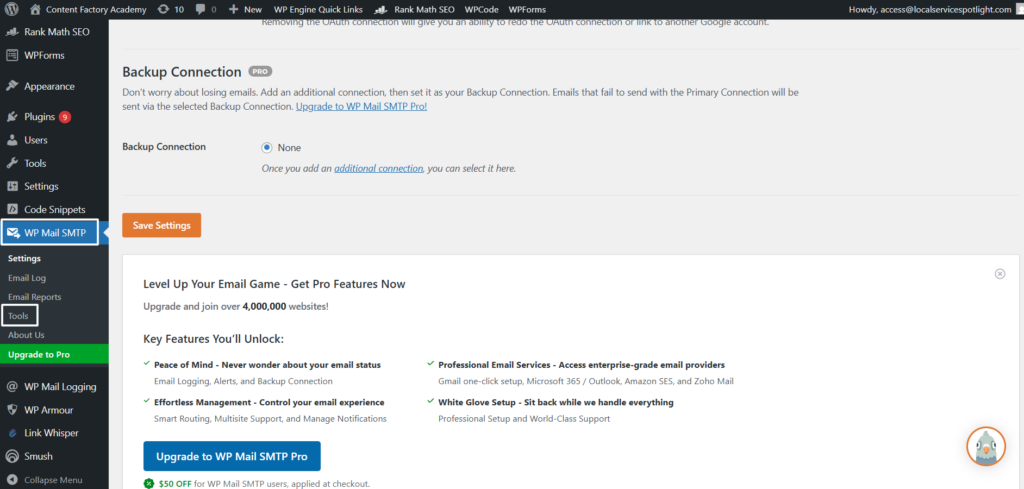
Now go to WP Mail SMTP, then Tools, then Email Test.
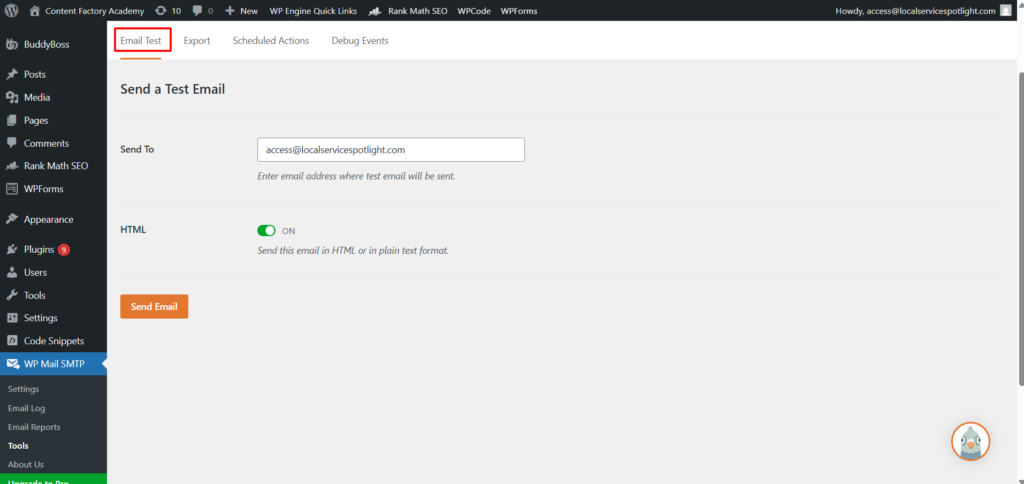
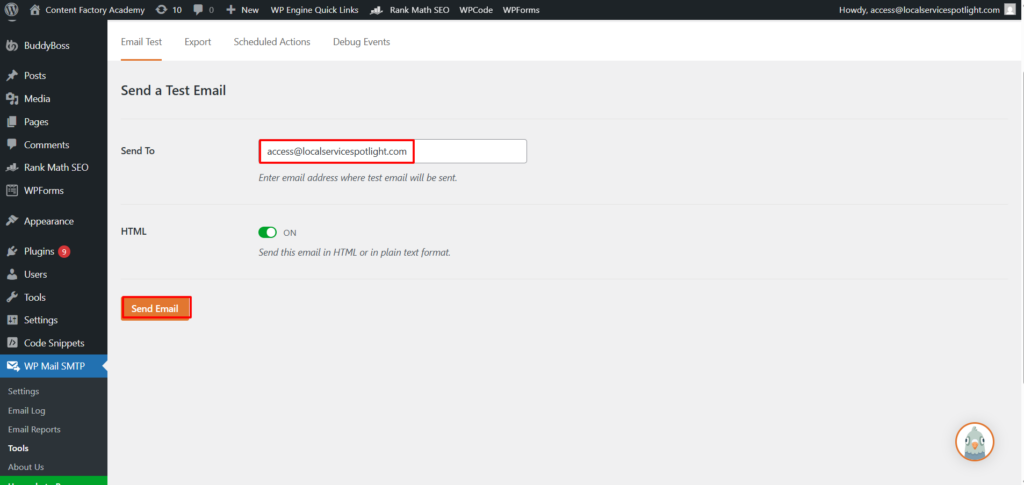
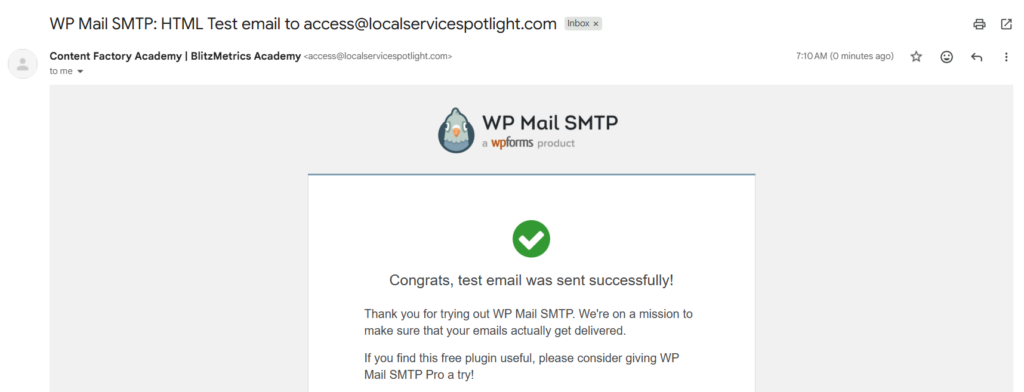
Type your personal email, hit send. If it shows up in your inbox, you’re done.
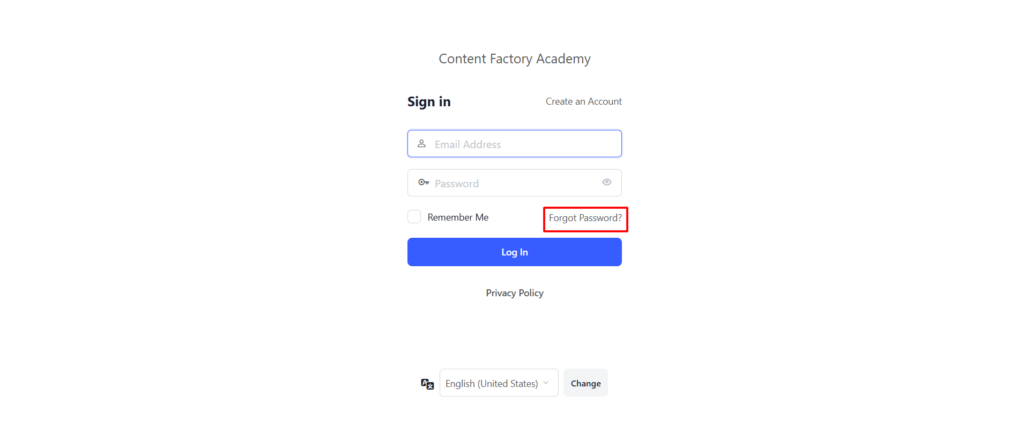
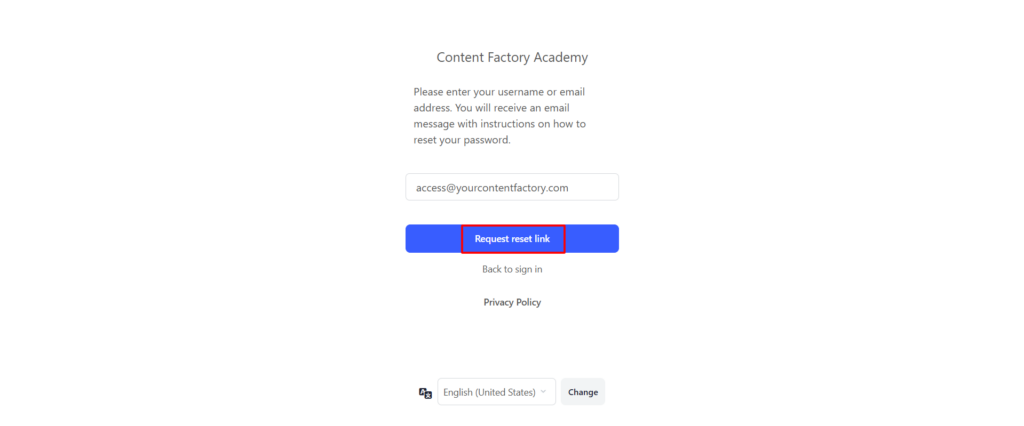
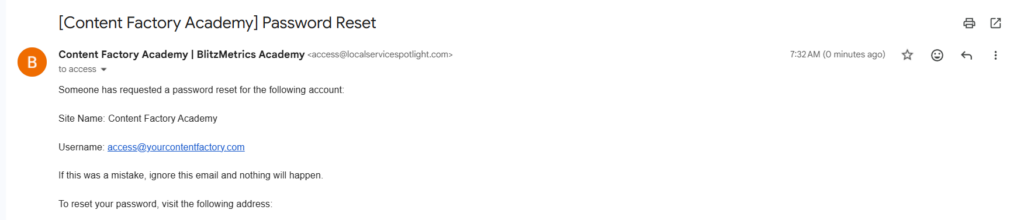
Go test the Forgot Password flow on your site’s login page to be 100% sure.

How to make sure this never happens again
Keep WP Mail Logging active permanently. It costs nothing and runs in the background. Without it, you have no way of knowing whether your emails are actually going out.
Go to the Google Cloud Console, then APIs and Services, then OAuth consent screen. If it says “Testing,” click “Publish App” to switch to Production. This stops Google from automatically disconnecting your site every week.
Send a test email from WP Mail SMTP every couple weeks. Takes ten seconds. Saves you from discovering that thousands of emails have been failing while your students can’t log in.
If you run a course platform and want to see how we set ours up, check out the Content Factory Academy at academy.yourcontentfactory.com. We’ve got 150+ courses on digital marketing, AI, and building agencies for local service businesses.
If your students or customers aren’t getting emails and you don’t have an email log plugin installed, you have no idea whether it’s working or not. Fix that today.
Originally published .