
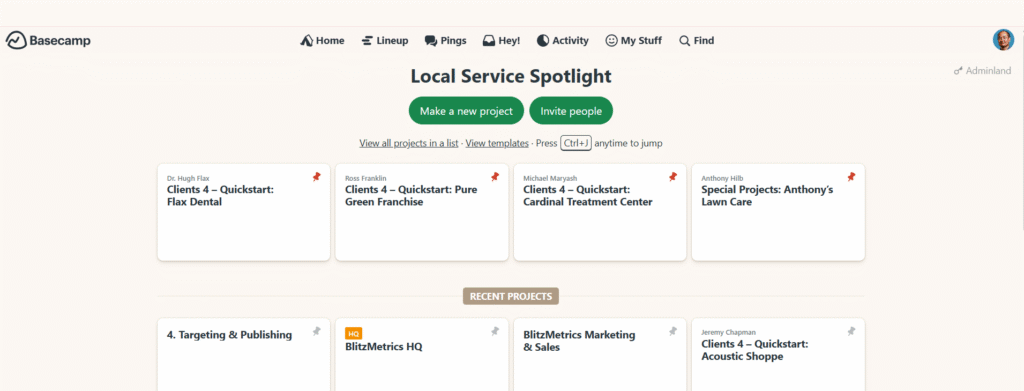
Basecamp is the main place we communicate with our team and with clients. If you’re part of a project, you’re expected to stay on top of everything happening in Basecamp. We have a simple philosophy: if it didn’t happen in Basecamp, it didn’t happen.
That means tasks, updates, iterations, and files don’t live in email or Slack. They live here, so that there’s one place everyone can check and stay aligned.
Why Basecamp matters
Email gets messy. Slack is temporary. Basecamp is where we track client projects in a way that is transparent, documented, and easy to follow. It lets us:
- Keep clients updated without confusion.
- Make sure tasks don’t get lost.
- Apply RACI (Responsible, Accountable, Consulted, Informed) so the right people are always looped in.
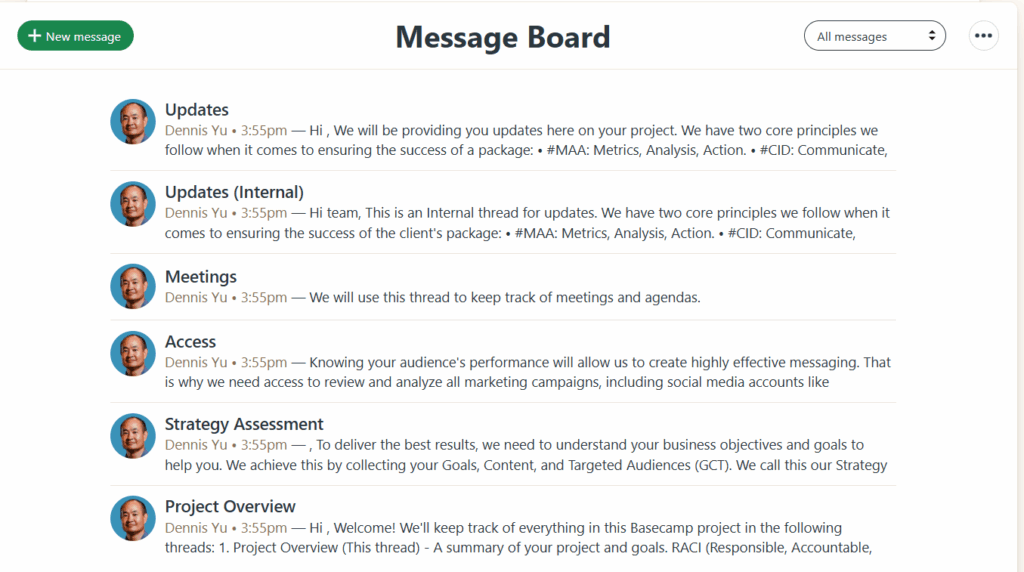
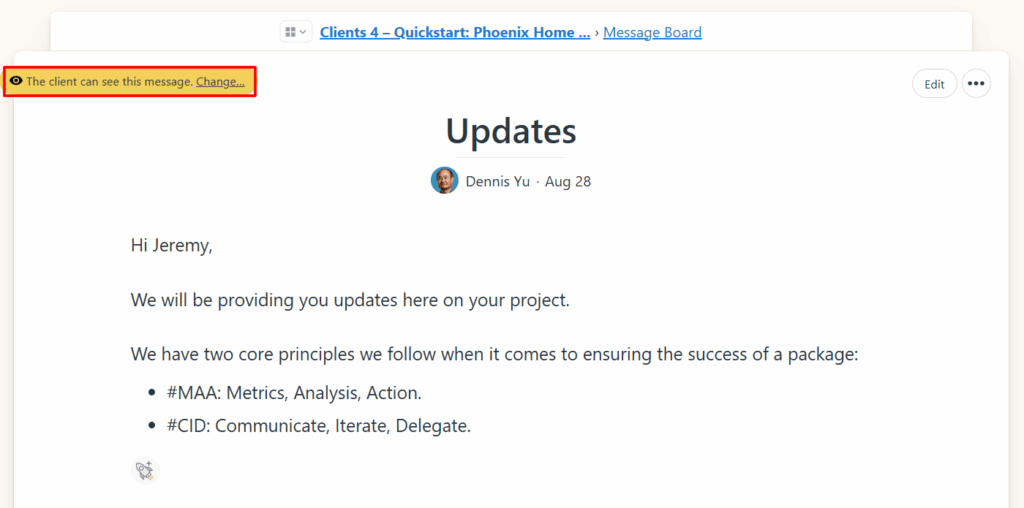
It’s also client-facing. With the exception of one “Updates (Internal)” thread, everything you post can be seen by clients. That’s why precision and clarity are non-negotiable here.
It’s a core part of the OpsProcess, the structured way we run projects, hold people accountable, and keep quality consistent across the team.
The Basecamp Project Overview: the Current Routing Contract
Every active client project needs one easy-to-find Project Overview that tells a teammate or authorized agent what this project is, who is accountable, and where work belongs. It is a current routing and role record—not a substitute for the Client Roster, the authenticated Client Tracker, source dashboards, or the signed agreement.
A list of team members does not identify the Project Lead. The Overview must name exactly one accountable lead and the role evidence must agree with the Client Tracker. If it cannot be verified, record
UNKNOWNand give Operations an owned reconciliation task.
Required fields
- Client and entity: relationship name, legal/public entity when different, operating agency or book owner, and engagement type.
- Canonical scope: production domain, service/location or product scope, and explicit exclusions.
- Project Lead: one current accountable person, the stable Basecamp person ID in the private operating record, the role receipt, and the date verified.
- RACI team: Responsible, Consulted, and Informed contributors listed separately from the accountable lead.
- Destinations: the verified internal review destination and the client-visible update destination. Never assume a thread is internal because of its title.
- Cadence: weekly MAA day, review deadline, meeting/pre-read rule, and fallback when nobody accepts a new draft.
- Measurement and safety: link the Measurement Source Contract, mark missing access Not connected, and state any hold or publication/outreach boundary.
How it is used
The Project Overview routes the weekly MAA and private Money Tree review to the accountable lead. The lead corrects branch names, URLs, supporting work, metric periods, analysis, and the next two or three actions. Basecamp holds the work and discussion; the underlying metric remains owned by its source system and dated receipt.
Acceptance test: a new operator can identify the exact client and scope, distinguish the Project Lead from contributors, open one proven internal destination and one proven client destination, find the next MAA date, and trace every reported metric without encountering a password or another client’s data.
Update the Overview when accountability, scope, cadence, or a destination changes. Keep the prior evidence in Basecamp history; do not silently rewrite the Client Roster or financial ledger from a project title or comment.
Rules you must follow
To avoid confusion and wasted time, here are the standards we live by:
1. Tasks live in Basecamp.
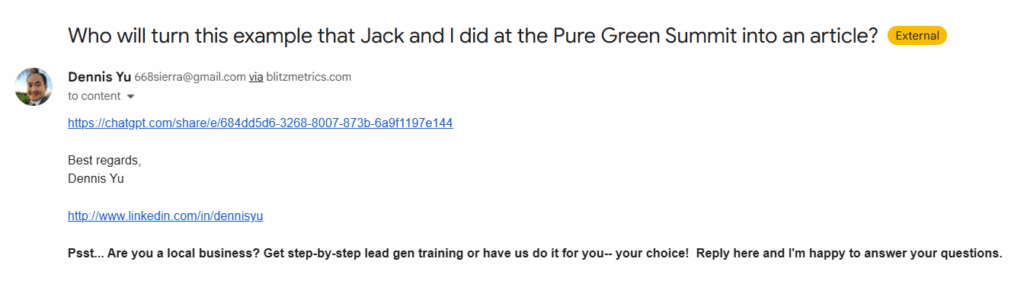
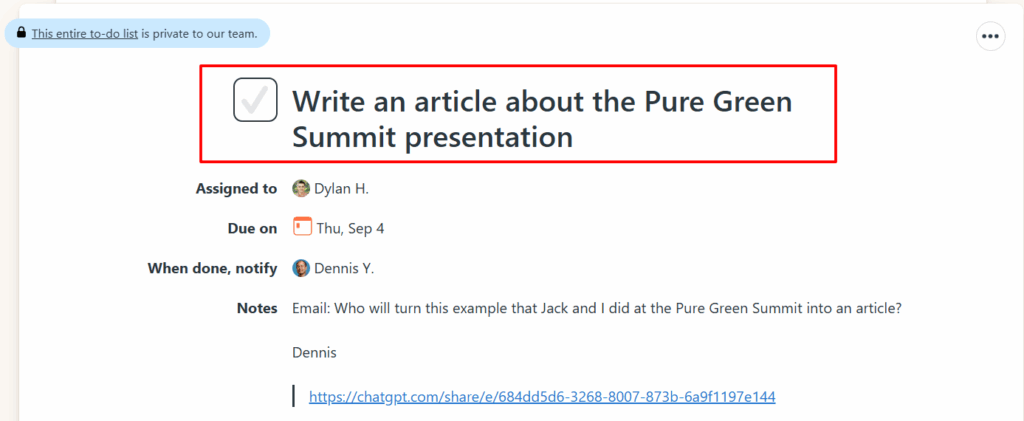
When Dennis (or anyone else) gives you a task in email, turn it into a Basecamp To-Do. If it’s not here, it doesn’t exist.

2. Use proper naming in Basecamp.
Threads, projects, and tasks must be named so anyone can understand what they are at a glance. “Obtain access to John Smith’s Facebook Business Manager” is clear. “Access” is not.
3. File handling.
When sharing with clients, always use PDFs. Internally, use Google Drive links instead of uploading directly into Basecamp. Our Drive is unlimited; Basecamp storage costs money.
4. Link everything.
Every update you post should include links even if you’ve already shared them before. Don’t make people hunt.
5. Don’t ping Dennis.
He sees the updates. Trust the system.
6. Apply RACI every time.
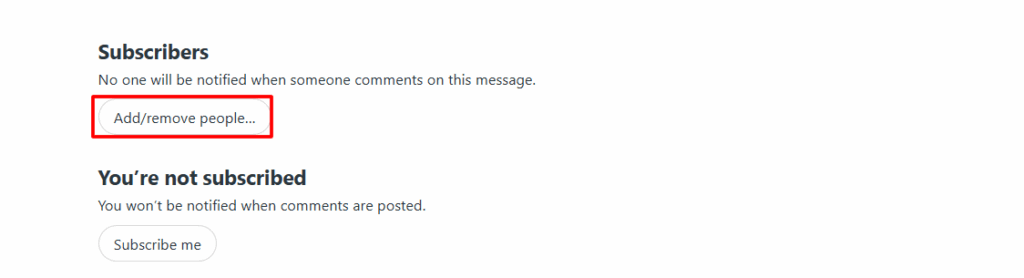
Only add the people who need to be there. Don’t flood inboxes. Remove subscribers who don’t belong.
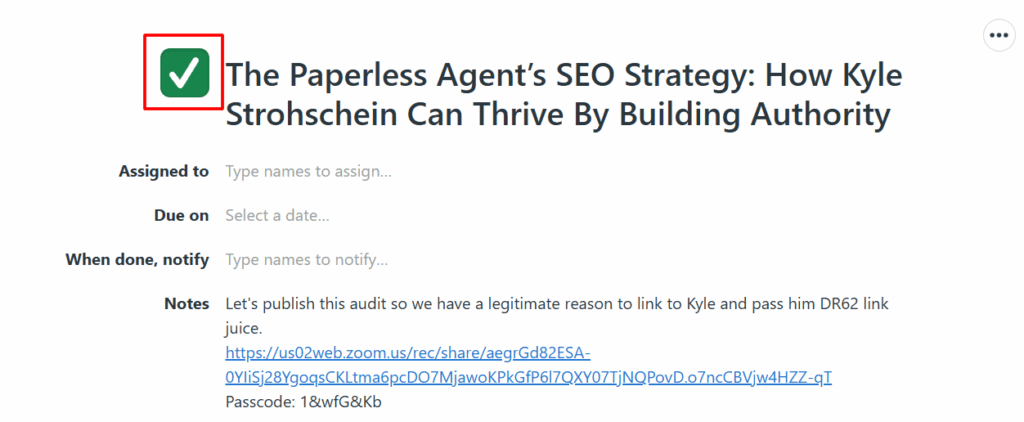
7. Never mark your own tasks complete.
Managers close tasks after QA. Your job is to finish and update, not to close.
8. Don’t delete.
Nothing in Basecamp gets deleted. Even if something feels obsolete, the context may be valuable later.
9. Post frequent updates.
Silence is not an option. Even if you haven’t finished, post what’s been done so far.
10. Don’t ignore messages.
A message unanswered is work left hanging.
11. Continuation threads.
When threads hit 80+ comments, you must create a continuation thread so Gmail doesn’t truncate.
12. Rescue and revive.
If something is stalled, it’s your job to “rescue” or “revive” it; don’t let threads die without resolution.
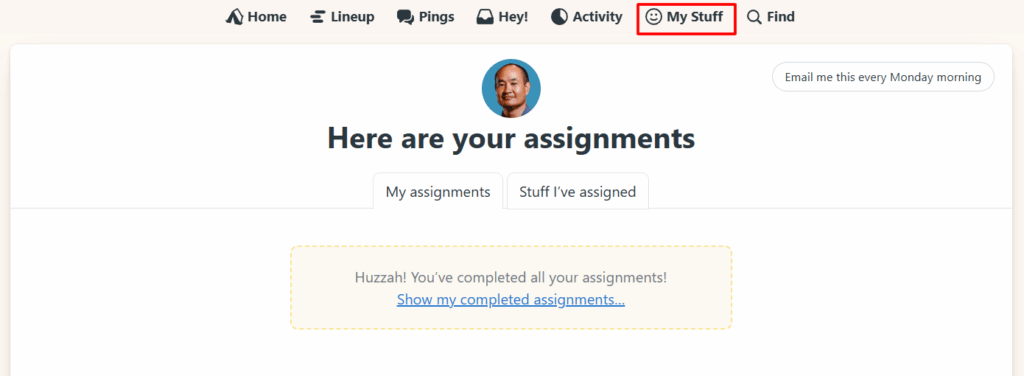
13. Use “My Stuff.”
That’s where you’ll find every task on your plate. No excuses for missed deadlines.
Internal vs. client-facing
Every thread is visible to clients unless it’s explicitly internal.
That’s why we have an “Updates (Internal)” thread. This is where drafts, rough versions, or questions go before posting client-facing updates.
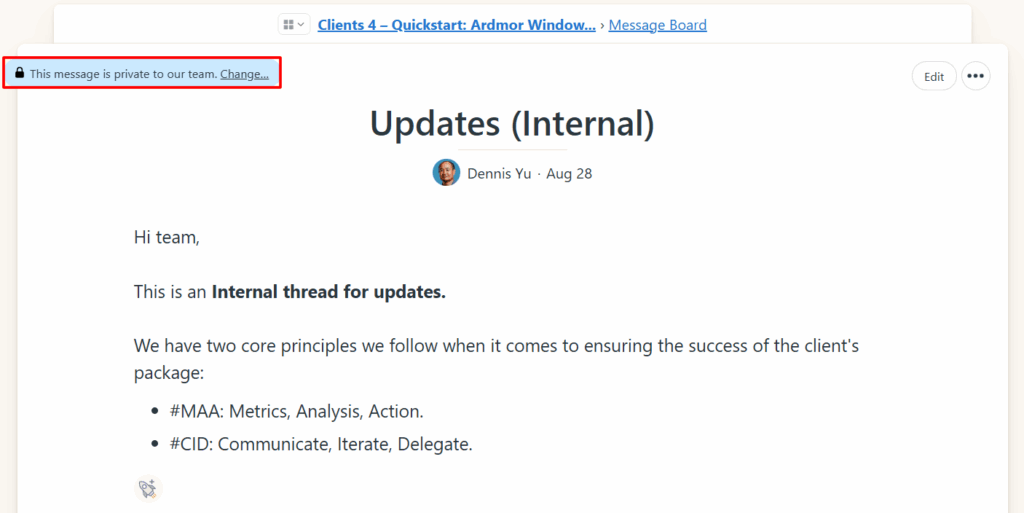
Once something is ready, it moves into the client threads.
Managing subscriptions
By default, Basecamp adds everyone as a follower when you create a thread. That’s sloppy.
Change people to “Just Following” if they don’t need full project notifications, then subscribe them only to the specific threads where they’re relevant.
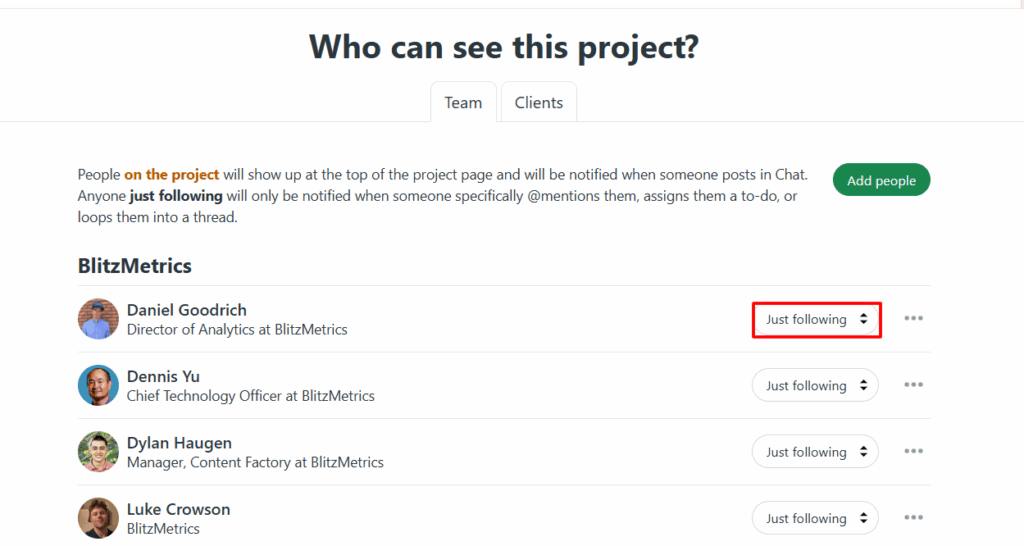
Always apply RACI when deciding who gets notified.
Quality over quantity
Posting in Basecamp is about clarity and progress. A vague note like “Done” isn’t an update. A proper update is:
- What was done.
- The link to the deliverable.
- What the next step is.
- Who owns that next step.
That’s how we keep projects moving without wasting time.
Bottom line
Basecamp is the single source of truth for all client work. Learn to use it properly and you’ll avoid confusion, save time, and make clients happy. Skip it, and you’ll create chaos for yourself and everyone else.
If you want to learn how to run client calls, manage your team effectively, and handle both happy and frustrated clients with confidence, the Level 4 Account Manager Course will show you exactly how.
Related: The Client Tracker — ties every client, agency, and Basecamp project into one source of truth.