
If you run a WordPress site, you’ve probably noticed your inbox filling up with emails like “A new comment on your post is waiting for approval.” Most of these are spam, bots dropping links in your comment section.
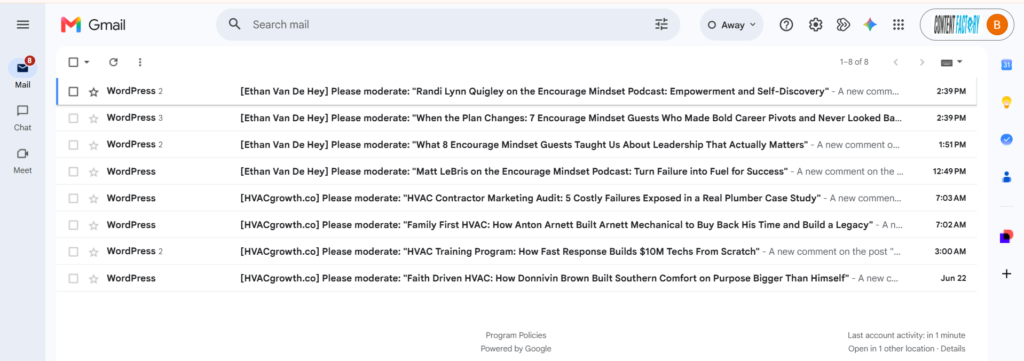
By default, WordPress sends an email notification to the site administrator every time someone posts a comment or a comment is held for moderation. When you’re managing even a few sites, this becomes overwhelming fast.
The fix takes about 30 seconds per site. Follow the steps below, or share this article with your AI agent to do it for you.
Steps
Log into the WordPress Admin Dashboard for the target site
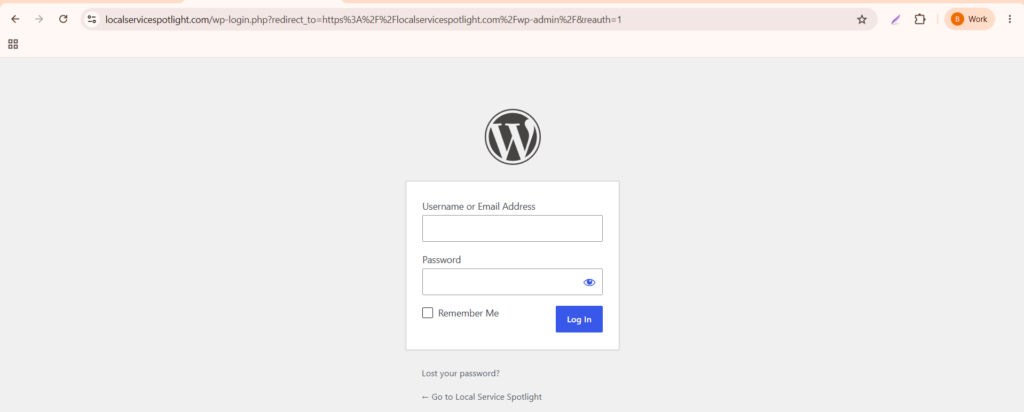
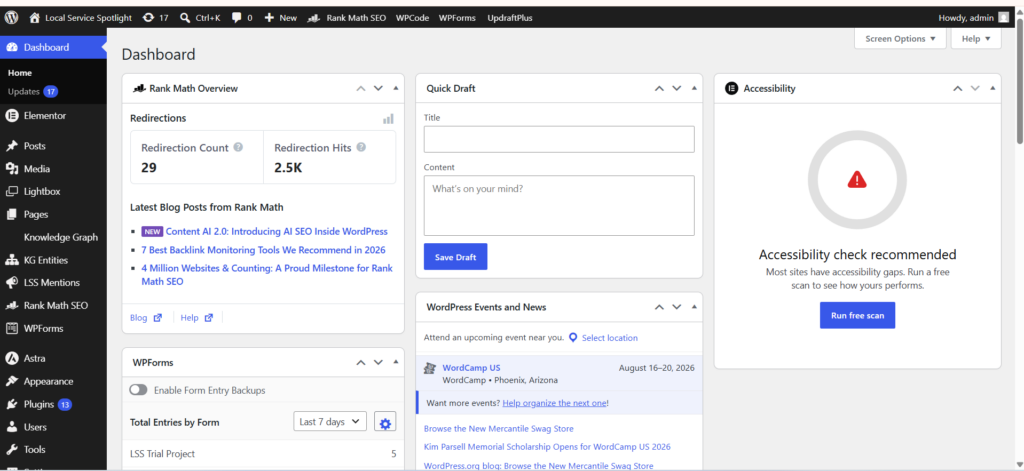
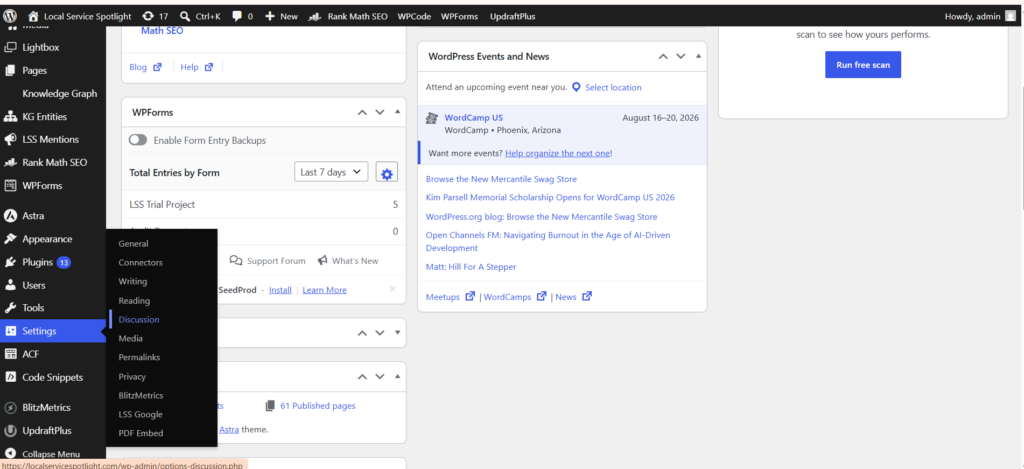
2. Navigate to Settings → Discussion
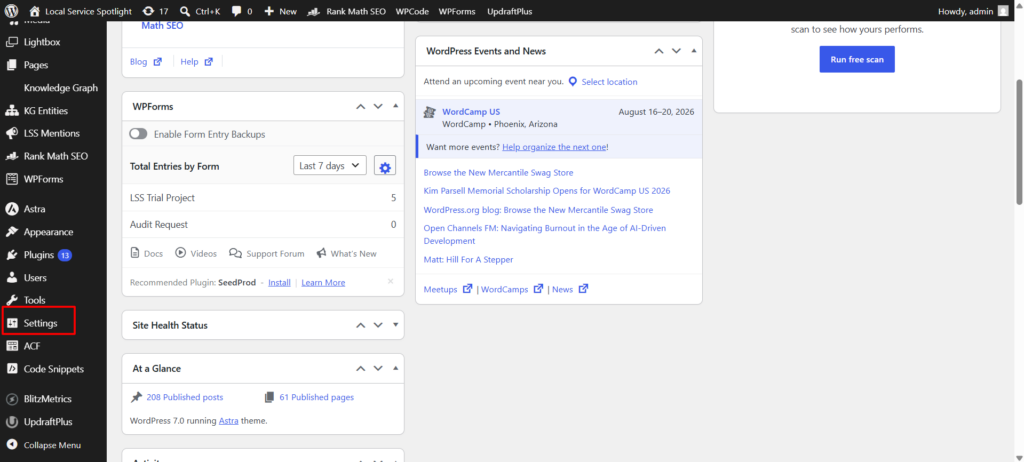
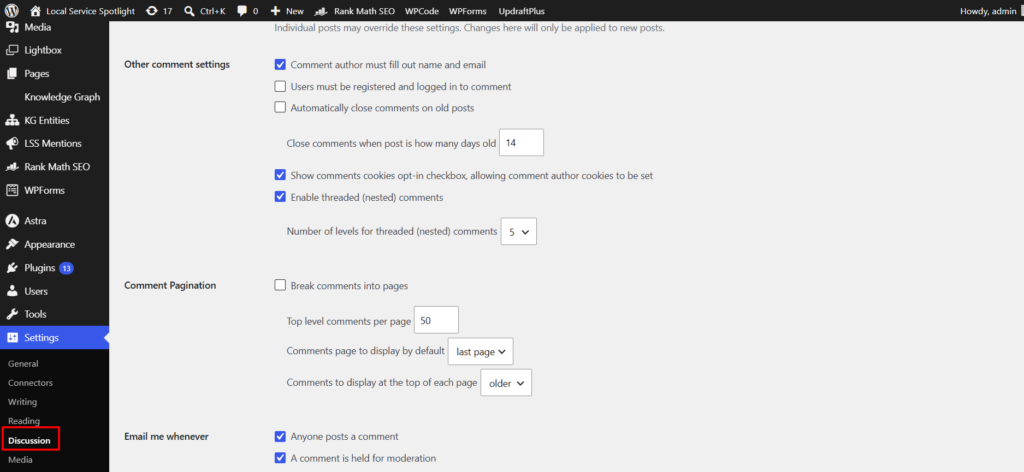
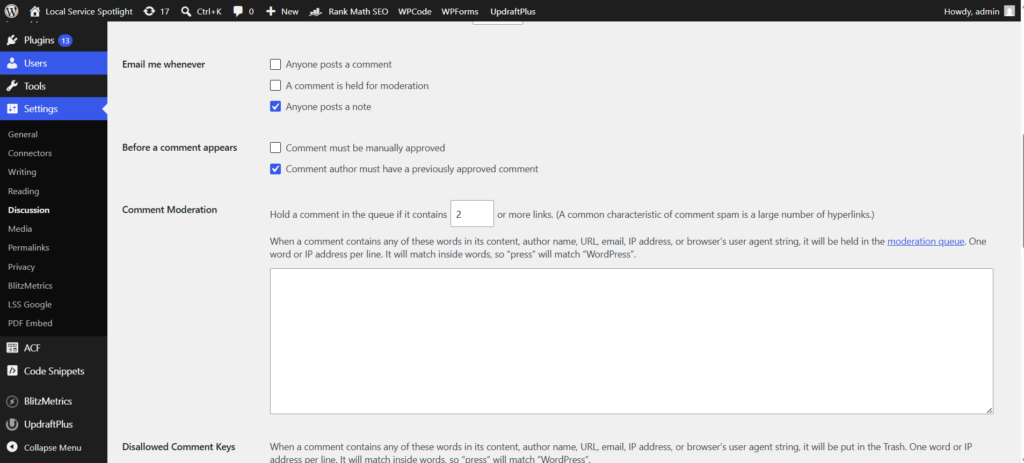
3. Locate the section labeled “Email me whenever”
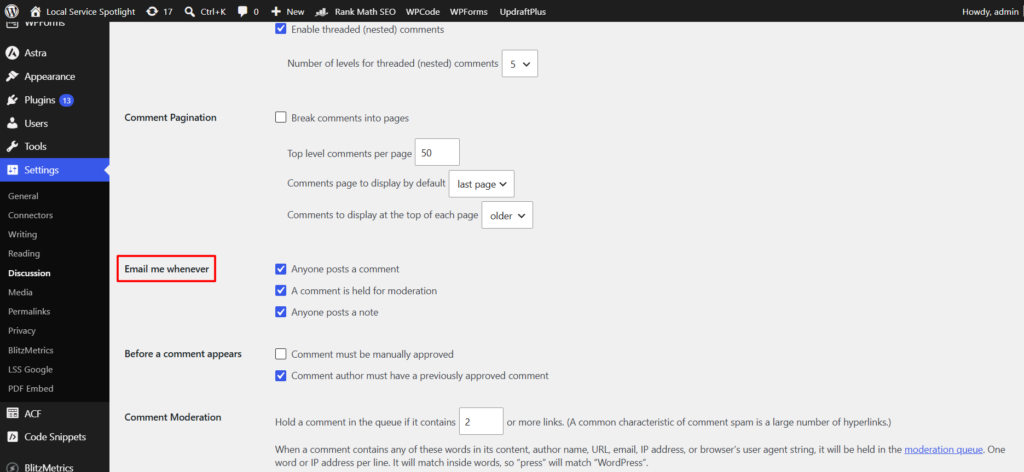
4. Ensure the following checkboxes are unchecked:
- ☐ Anyone posts a comment
- ☐ A comment is held for moderation
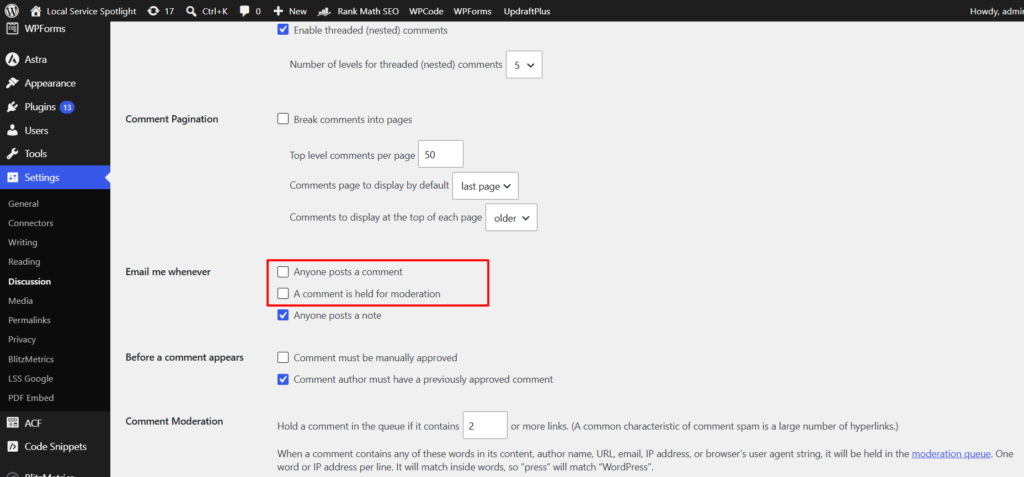
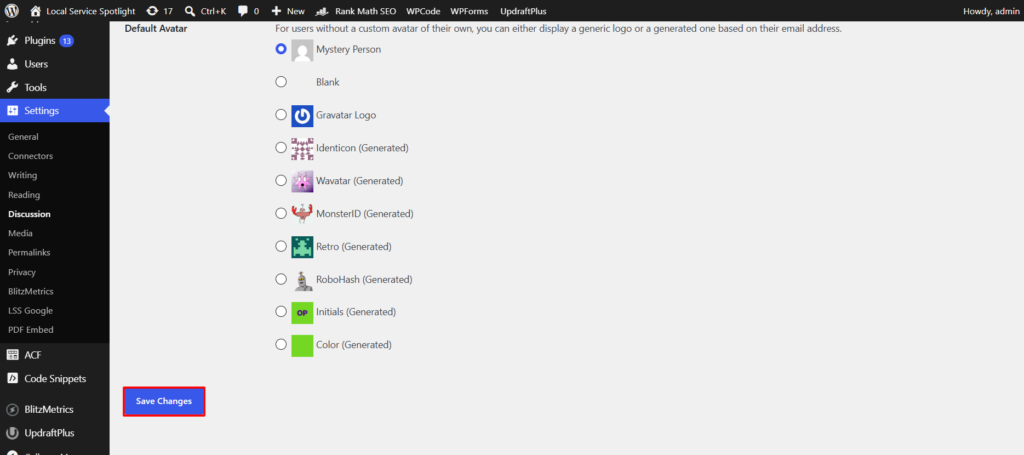
5. Click Save Changes
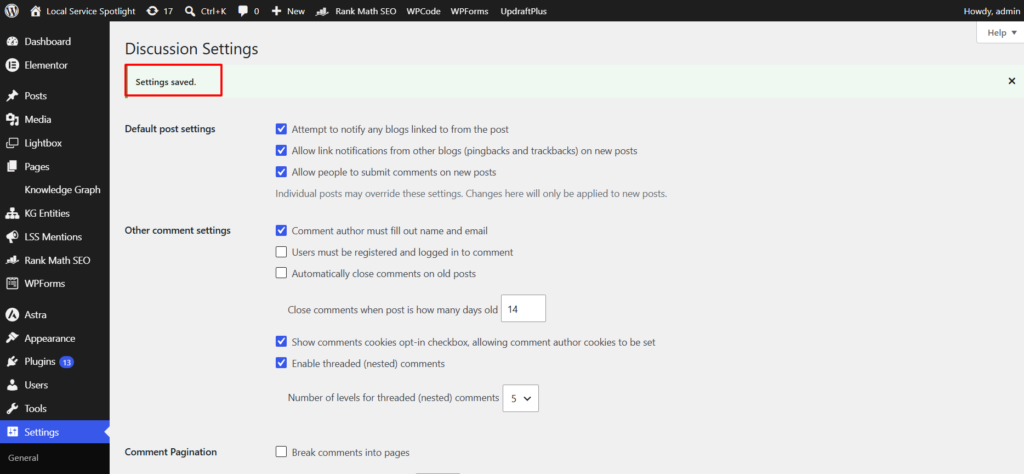
6. Confirm the page reloads and displays “Settings saved.”
Verification
After saving, revisit Settings → Discussion and confirm both checkboxes under “Email me whenever” remain unchecked. If they are unchecked, the task is complete.
Pro tips
Install and configure Akismet. It’s a free plugin (included with most WordPress installs) that automatically filters spam comments so they never reach your moderation queue.
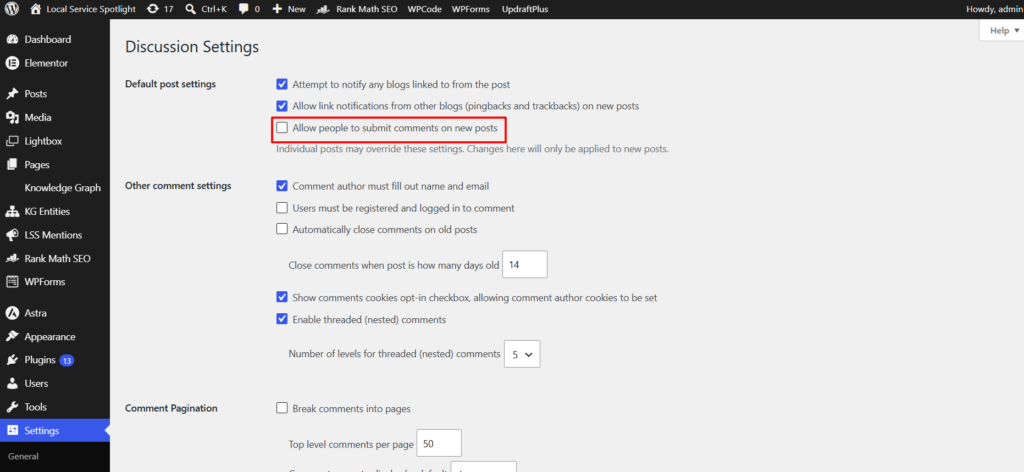
Consider disabling comments entirely. If your site doesn’t need comments (most business and portfolio sites don’t), uncheck “Allow people to submit comments on new posts” in the same Discussion Settings page. This eliminates the problem at the source.
Check your moderation queue periodically. Even with notifications off, it’s good practice to clear out pending comments occasionally so they don’t pile up.
Originally published .